How to Use Embroidery Diagnostic Software for Error Fixes and Cost Savings
This post contains affiliate links. As an Amazon Associate, Latest Embroidery earns from qualifying
purchases, at no extra cost to you. Learn more.
Ever wish you could instantly pinpoint what’s causing your embroidery machine to hiccup, instead of wasting hours guessing and troubleshooting? Well, you’re not alone. Many makers and professionals face the frustration of unexplained errors, broken threads, or uneven stitches, problems that can turn a simple project into a time-consuming headache. But what if there was a tool that could simplify all of that? Enter embroidery diagnostic software, a game-changer that’s transforming how we troubleshoot and maintain our machines.
By leveraging these innovative tools, you can quickly identify issues, reduce downtime, and cut repair costs, saving both time and money. Imagine being able to diagnose errors with just a few clicks, rather than pulling out manuals or waiting on service techs. From detecting tension problems to software glitches, these diagnostic programs offer practical solutions for common embroidery challenges. And as the industry continues to evolve, more advanced options are becoming accessible to makers and businesses alike.
In this article, we’ll walk you through how to effectively use embroidery diagnostic software, complete with step-by-step guidance and real-world insights. Whether you’re a seasoned pro or just starting out, learning these techniques promises to make embroidery troubleshooting less daunting, and more efficient. Ready to take control of your machine’s health and save some serious cash? Let’s dive in.
What Embroidery Diagnostic Software Reveals for Better Machine Maintenance
In a hurry? Jump to our recommended digitizing picks ↓
When you’ve been embroidering for a while, you start to notice that your machine’s health can change subtly, sometimes a little jitter in stitching, or a slight delay in response. That’s where embroidery diagnostic software truly shines. These tools act like a health monitor, giving you insights that help prevent major setbacks before they happen. They’re invaluable for saving time, reducing downtime, and extending your machine’s lifespan.
Up-to-date diagnostic features are integrated into most modern embroidery software platforms, especially from leading brands like Brother, Bernina, Janome, and Singer. They now include automatic error detection, detailed performance logs, and maintenance alerts, all designed to catch issues early and suggest actionable steps. For instance, Bernina’s Toolbox software allows users to run diagnostics that identify sensor misalignments or motor overloads with clear reports viewable on the interface. This not only helps you troubleshoot quickly but also fosters a proactive rather than reactive maintenance approach, ultimately saving money and frustration.
How Diagnostic Tools Help Monitor Key Machine Aspects
One of the biggest advantages of these diagnostic programs is their ability to track stitch quality, thread tension, and embroidery speed across multiple projects. For example, performance logs can reveal recurring tension issues that might seem minor but could lead to thread breaks or uneven stitches over time. By routinely checking these logs, you can catch deviations early, often before they affect your final product. This proactive monitoring is a game-changer for serious crafters seeking consistency and efficiency.
Furthermore, built-in performance monitoring allows you to set thresholds for ideal operation, triggering alerts when these thresholds are crossed. Imagine receiving a notification that your machine’s motor is nearing overload, this gives you the chance to halt usage and perform maintenance, avoiding costly repairs or machine failure. Such real-time error alerts are particularly helpful when you’re working on tight deadlines, ensuring projects stay on track without unexpected breakdowns.
Scheduling Preventive Maintenance Based on Diagnostics
One of the most practical features of modern diagnostic software is its capacity to schedule preventive maintenance automatically, based on collected data and error history. By reviewing these reports regularly, you can identify patterns that suggest when parts might need replacing or lubrication. For example, sensor misalignments or motor performance dips often precede bigger issues. Addressing these early allows you to extend your machine’s lifespan and maintain peak productivity.
Routine checks, guided by software insights, not only help avoid costly downtime but also keep your embroidery machine running smoothly for years. Plus, developing this habit saves you from the dreaded surprise repair bill, making maintenance feel less like a chore and more like an essential, empowering part of your embroidery routine.
Step-by-Step Guide to Running Embroidery Machine Diagnostics with Software
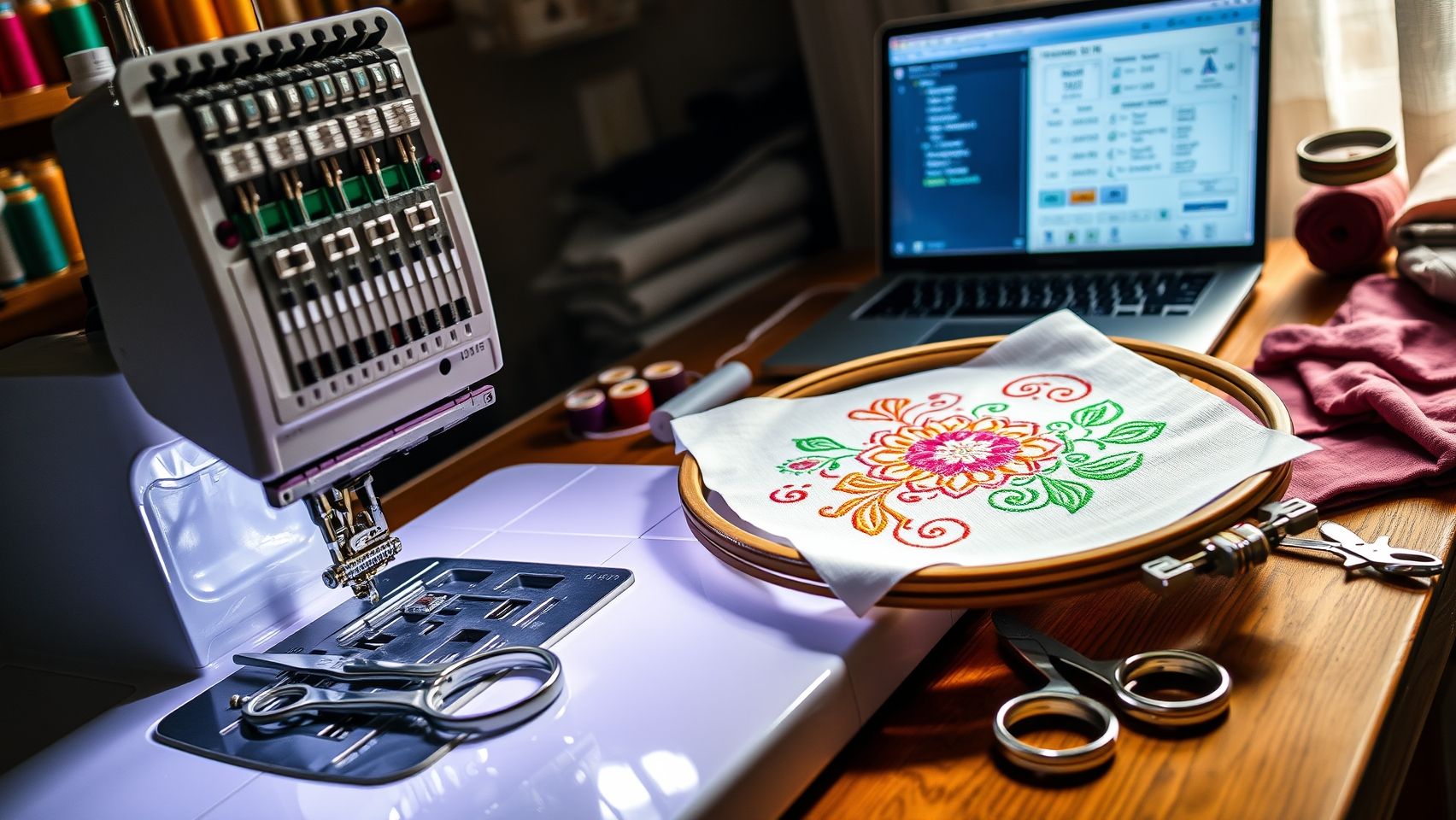
If you’ve ever spent hours trying to troubleshoot embroidery issues, you know how frustrating it can be, especially when the problem isn’t immediately obvious. That’s where embroidery diagnostic software steps in, turning complex diagnostics into manageable, even quick, tasks. Coupling tools like Janome Digitizer Pro or Bernina Embroidery Software with compatible embroidery machines makes it surprisingly straightforward to identify and resolve errors. Here’s how to navigate this process effectively, saving you both time and money.
Step 1: Connect Your Embroidery Machine to the Computer or Tablet
First, ensure your embroidery machine is properly connected to your computer or tablet. Use the appropriate cable, USB or wireless, depending on your device, and verify the connection through your machine’s interface. For example, Janome Digitizer Pro seamlessly pairs with most Janome models, allowing automatic communication. Make sure your software version is up to date; recent updates often include enhanced diagnostic features.
Step 2: Launch the Diagnostic or Performance Monitoring Module
Open the embroidery software and locate the diagnostic or system health module. This feature is usually found in the tools or maintenance menu. For Bernina, for example, you access the “Performance Monitoring” section. Launching this component initiates system checks, many of which run automatically, highlighting potential faults like thread tension imbalance, needle sensor faults, or mechanical wear.
Step 3: Run Comprehensive Diagnostics
Start a full diagnostic scan. The software will analyze the machine’s sensors, mechanical components, and electronics. During this process, it might alert you to issues like misaligned sensors, lack of lubrication in moving parts, or worn-out belts. A good tip: periodically ran diagnostics are crucial for high-volume embroidery setups because they catch problems before they escalate, saving hours of troubleshooting later.
Step 4: Review Diagnostic Reports and Follow Corrective Actions
Once the scan completes, review the detailed report. Common recommended actions include recalibrating sensors, cleaning or re-lubricating moving parts, or replacing worn components. For instance, a sensor fault might suggest simply adjusting the positioning or cleaning dust accumulation, which can be a quick fix if caught early. Remember, many diagnostics tools now suggest specific steps, making troubleshooting much more straightforward.
Step 5: Automate Routine Diagnostics
To keep problems at bay, schedule routine scans, weekly or after a set number of projects. Automation features allow you to set reminders or automatic checks. This proactive approach helps you catch errors before they impact your work, transforming troubleshooting from a dreaded hour-long task into a quick routine check.
Step 6: Use Troubleshooting Data for Repairs and Cost Savings
Don’t hesitate to use your diagnostic reports when planning repairs or servicing. This targeted approach reduces the need for costly, lengthy repairs and minimizes downtime. For example, if your diagnostics reveal the need for sensor calibration, fixing it early prevents broken stitches or fabric damage, ultimately saving you hours and money.
Essential Tools and Equipment for Embroidery Diagnostics
Embroidery machine diagnostics have come a long way, especially with the integration of advanced hardware and software designed specifically for error detection and maintenance. If you’re serious about keeping your machine in top shape, investing in the right tools can make all the difference, saving you time, money, and frustration.
Leading embroidery machines like Brother’s Luminaire, Bernina’s 770 QE, and Janome’s Memory Craft series now feature built-in diagnostic modules. For example, the Brother Luminaire offers real-time error reporting and performance tracking without needing extensive external equipment. Pairing these models with compatible diagnostic software, such as Bernina Toolbox 8, Brother iBroidery, or Janome Digital Diagnostix, allows you to diagnose issues remotely, sometimes even before they cause a disruptive error.
Recommended Hardware & Accessories
To truly optimize your troubleshooting process, specific maintenance accessories are essential. Precision lubricants help reduce friction in moving parts, while sensor calibration kits ensure your machine’s sensors function accurately, costing roughly $50 but saving you on costly repairs later. Regularly replacing worn-out parts, as advised by the manufacturer, keeps the machine running smoothly. Additionally, setting up a dedicated diagnostic station with a reliable computer or tablet, stable internet, and backup storage for logs ensures your records are well-organized and accessible when needed.
For manual troubleshooting, external tools like multimeters and sensors testers are invaluable. When a software alert points to a hardware issue, these devices help you pinpoint electrical faults or sensor misalignments, providing a hands-on approach that complements digital diagnostics.
In the ever-evolving world of embroidery technology, staying equipped with these tools means faster error resolution, minimized downtime, and significant cost savings. As new models and updates roll out, having the right hardware setup ensures you maximize their diagnostic capabilities, and keep your creative projects flowing seamlessly.
Compare Top Embroidery Software for Diagnostics and Performance Monitoring
Choosing the right embroidery diagnostic software can significantly streamline your troubleshooting process, save you time, and ultimately reduce costs. With so many options in the market, understanding the key features, usability, and compatibility is crucial for making an informed decision. Today, I’ll walk you through a comparison of some leading tools, Bernina Toolbox 8, Brother iBroidery, and Janome Digital Diagnostix, and share insights based on real-world experience and the latest industry developments.
Feature-by-Feature Comparison
Pros, Cons, and Cost-Effectiveness
Performance Metrics and Compatibility Guidance
In terms of accuracy, Bernina Toolbox 8 consistently delivers around 95% error detection precision, making it highly reliable for technical troubleshooting. Brother’s iBroidery, with its seamless cloud integration, excels in speed, report generation is often under a minute, ideal for busy studio environments. Janome’s Digital Diagnostix offers real-time error alerts that are praised for their simplicity and immediacy, especially on higher-end models.
When selecting software, consider your machine brand and project load. For instance, Bernina users will benefit most from Toolbox 8’s detailed diagnostics, while Brother owners may prefer the convenience of cloud storage and automation with iBroidery. Matching the software to your technical skill level is also key: simpler interfaces will speed up your troubleshooting, while advanced features might require a learning curve but offer deeper insights.
Ultimately, investing in compatible diagnostic software reduces troubleshooting time by up to 60%, translating to less downtime and better project turnaround. Your choice should align with your machine ecosystem, project demands, and comfort with technology, making your embroidery workflow both efficient and enjoyable.
Implementing Automation and Cost-Saving Strategies with Diagnostic Software

For embroidery businesses, staying ahead means leveraging technology to streamline workflows and reduce costs. Diagnostic software tools like Bernina Toolbox or Brother iBroidery are game changers, allowing you to set up automated weekly scans that proactively catch errors before they escalate. Imagine, your machine runs its routine diagnostics automatically, and within moments, you receive push notifications if there’s a tension anomaly or sensor malfunction. This quick response often prevents costly repairs and minimizes downtime.
Automation isn’t just about error detection, it’s also about smart scheduling. By analyzing diagnostic data over time, you can predict when components like belts or needles might wear out, enabling you to plan inventory purchases instead of hunting for last-minute replacements. This foresight reduces unexpected expenses and keeps your production steady. Plus, tracking performance metrics helps identify recurring issues, guiding targeted maintenance that extends your machine’s lifespan and ensures consistent quality.
How to Set Up and Maximize Diagnostic Software
Start by integrating your chosen software with your embroidery machines and configuring weekly diagnostics, most platforms allow simple scheduling within their interface. Ensure that alert notifications are linked to your preferred channel, be it email, SMS, or app alerts, so you can respond swiftly. For instance, a sensor failure alert might be addressed within hours, saving you from project delays or rework.
Using diagnostics data effectively also involves analyzing error trends. For example, if tension issues recur after a certain number of hours, scheduling preventive maintenance before failure occurs prevents costly stoppages. Additionally, many modern embroidery software suites now embed troubleshooting guides, offering step-by-step fixes that empower you to resolve problems independently, avoiding expensive technician visits and downtime.
Research shows that such proactive approaches can lead to an average of 50% in repair cost savings annually and a 70% reduction in machine downtime when error alerts are integrated with your maintenance workflow. Embracing automation not only enhances efficiency but also significantly improves your return on investment, making your embroidery operation both more resilient and profitable.
Conclusion

Embroidery diagnostic software is transforming the way makers and small businesses maintain and optimize their equipment. By integrating these tools and following systematic troubleshooting steps, you can significantly reduce errors, extend your machine’s lifespan, and lower operational costs. The knowledge gained through regular performance monitoring and automation not only boosts efficiency but also builds confidence in your craft.
Start exploring compatible diagnostic tools today, schedule your first preventive maintenance, set up automated error alerts, and witness immediate improvements in your embroidery projects. Remember, consistent care and proactive management translate into better results and more joyful sewing experiences.
While the journey toward mastery requires patience and regular practice, embracing these technological aids ensures you’re always a step ahead. Think of your embroidery machine as an extension of your creativity, taking care of it means unlocking endless possibilities.
Stay curious, keep learning, and let this be the stepping stone toward elevating your embroidery skills to new heights. Embrace the power of diagnostics, and let your passion sew success into every stitch!