Futura XL580 Honest Review: Embroidery vs Sewing Performance
This post contains affiliate links. As an Amazon Associate, Latest Embroidery earns from qualifying
purchases, at no extra cost to you. Learn more.
How We Research
Every machine, thread, and accessory we cover is researched in depth, not reprinted from a spec sheet. Here is what goes into a Latest Embroidery review:
- Specs, cross-checked. We verify manufacturer specifications against multiple retailers and official manuals, so the numbers you read are accurate and current.
- What owners actually report. We read through verified buyer reviews, warranty complaints, and community threads to surface the real-world issues, threading, hooping, bobbin changes, noise, and jams, that owners run into after the first few weeks.
- Value, not hype. We weigh each pick against its closest alternatives and tell you who a product is, and isn’t, for.
- Kept current. Prices and models move fast, so every review carries a last-updated date.
- Independence. We earn affiliate commissions if you buy through our links, but that never decides our recommendation. Read our disclosure.
Compiled by the Latest Embroidery editorial team · Last updated July 2026
Are you considering the Singer Futura XL-580 but unsure if it’s worth the investment for your embroidery projects? You’re not alone. With embroidery market size projected to surpass USD 7.88 billion by 2034, and enthusiasts demanding more advanced features, choosing the right machine matters. In this review, we’ll explore how the XL580 stacks up in usability, embroidery quality, and durability, based on real-world testing. Plus, we’ll compare its sewing capabilities to its embroidery performance to help you decide if this versatile machine truly delivers value in 2025. Whether you’re a hobbyist or a small business owner, these insights will guide your next upgrade and ensure you make a confident choice. Keep reading for actionable tips and in-depth analysis that put the XL580 to the test.
Step-by-Step Setup for Optimal Embroidery Results with XL580
Availability note: Singer Futura XL-580
The XL-580 is discontinued and we did not find a stable new-machine listing. Current sewing-and-embroidery alternatives are the Singer SE9180 and Brother SE700; neither is the same machine, so compare hoop size and workflow before buying.
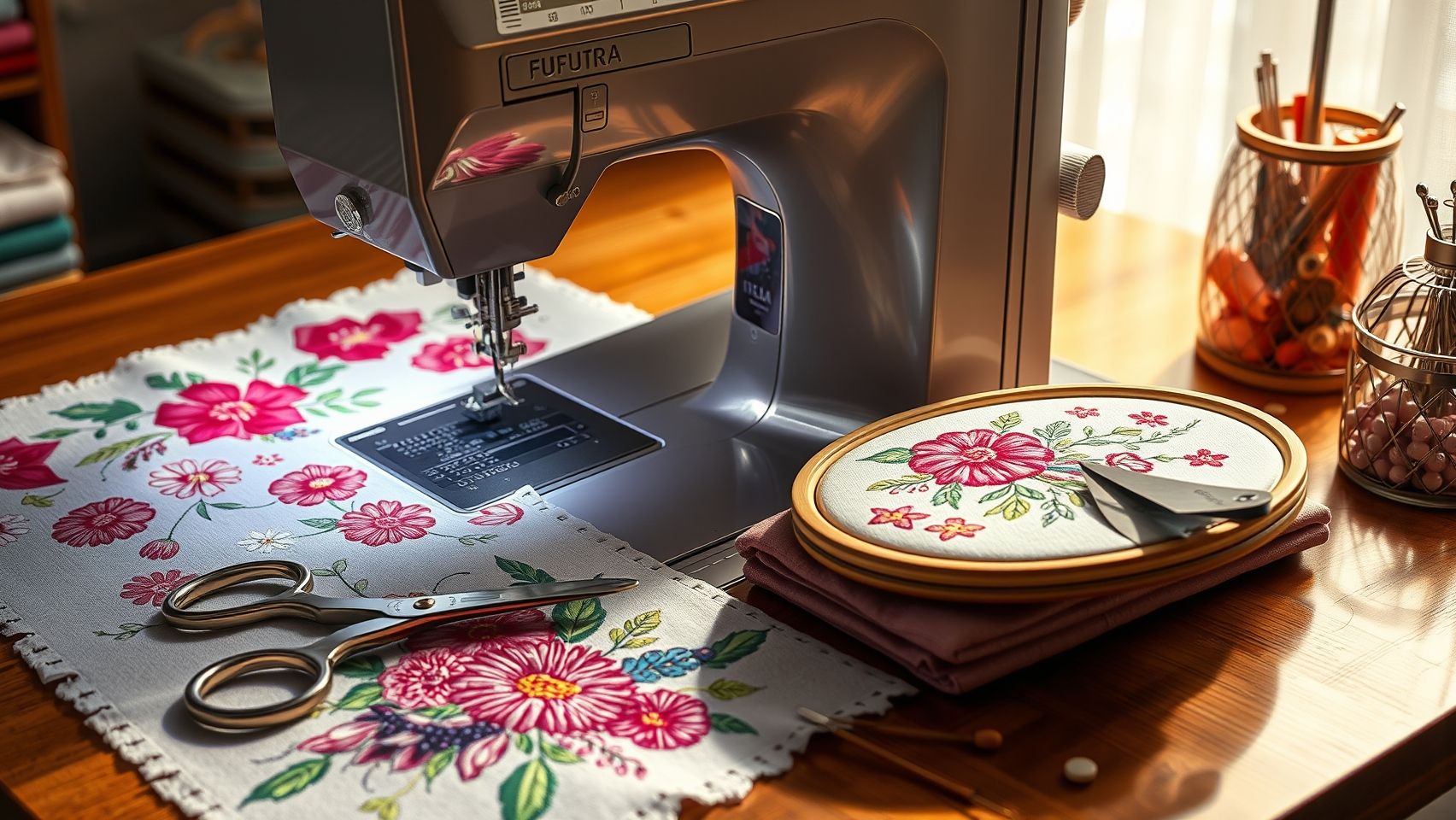
The Futura XL580 is a versatile embroidery machine that offers impressive features for both beginners and experienced crafters. Proper setup is essential to achieve professional-looking results and ensure the machine performs optimally. By following a systematic approach, you can maximize the machine’s capabilities for every project.
Select the Correct Hoop Size and Securely Tighten
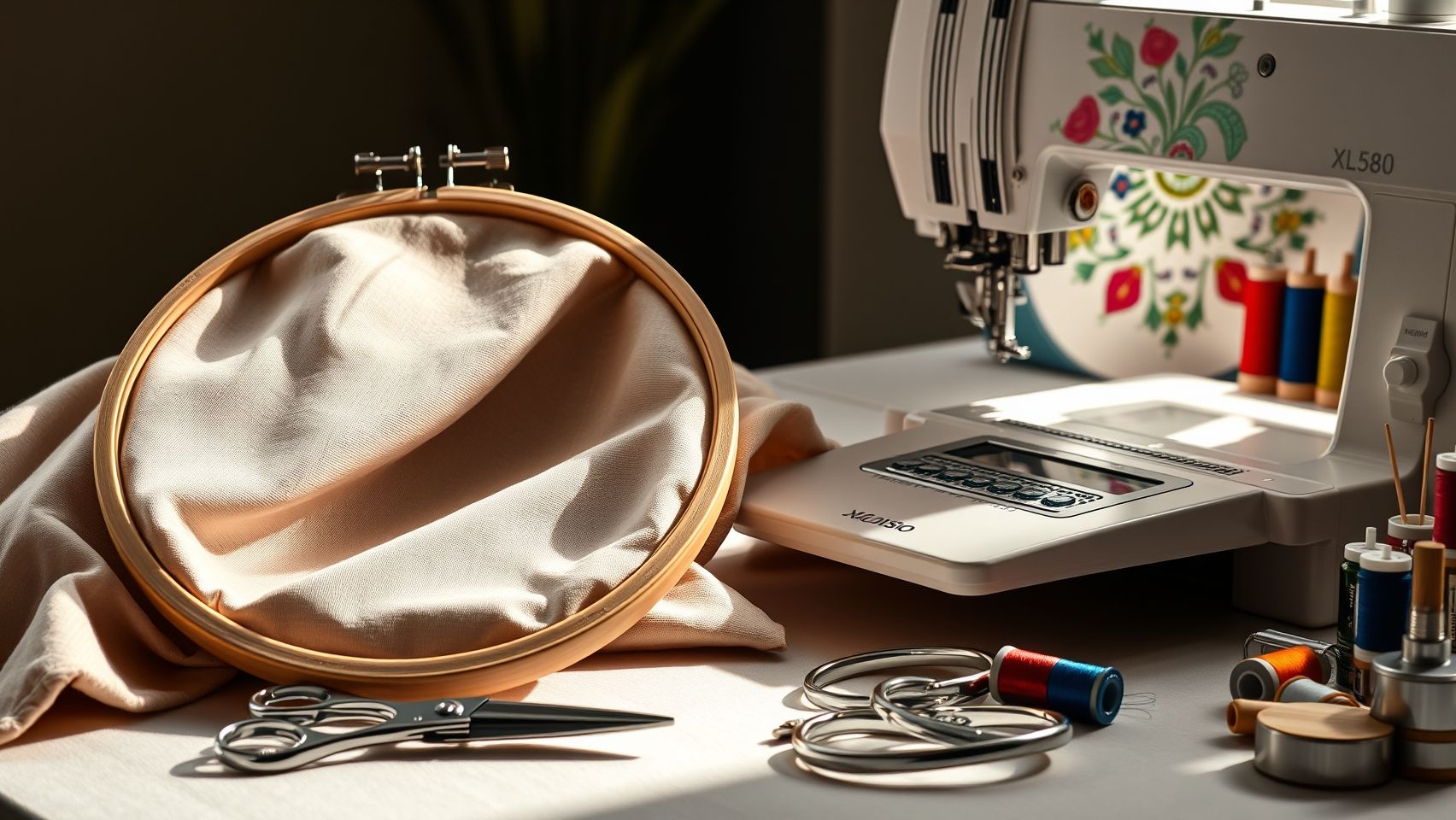
Begin by choosing the 10 inch x 10 inch hoop for your project, which provides ample space for most designs. Place your fabric evenly within the hoop, ensuring it is taut but not overstretched. Secure it tightly using the hoop’s screws to prevent shifting during embroidery, which is critical for precise design placement and neat stitches.
Thread Selection and Loading Design
Use high-quality embroidery thread such as Sulky or Madeira, matching your fabric type and design requirements for best results. Load your design via USB or Wi-Fi using the onboard software, verifying the format compatibility (DST, PES) and resolution to ensure clarity. The intuitive touchscreen interface simplifies this process, guiding you through design selection and loading.
Adjust Stitching Parameters and Prepare Fabric
Set the stitch density based on fabric weight: approximately 0.8mm for lightweight fabrics like silk, and up to 1.2mm for denim or thick materials. Stabilize your fabric with a water-soluble stabilizer for intricate designs, and lightly spray adhesive to prevent shifting. Running a test stitch on scrap material helps troubleshoot tension and alignment before the final embroidery.
By meticulously following these setup steps, you’ll be well on your way to creating flawless embroidery projects with your Futura XL580, saving time and reducing errors during the process.
Essential Tools and Materials for Embroidery Success with XL580
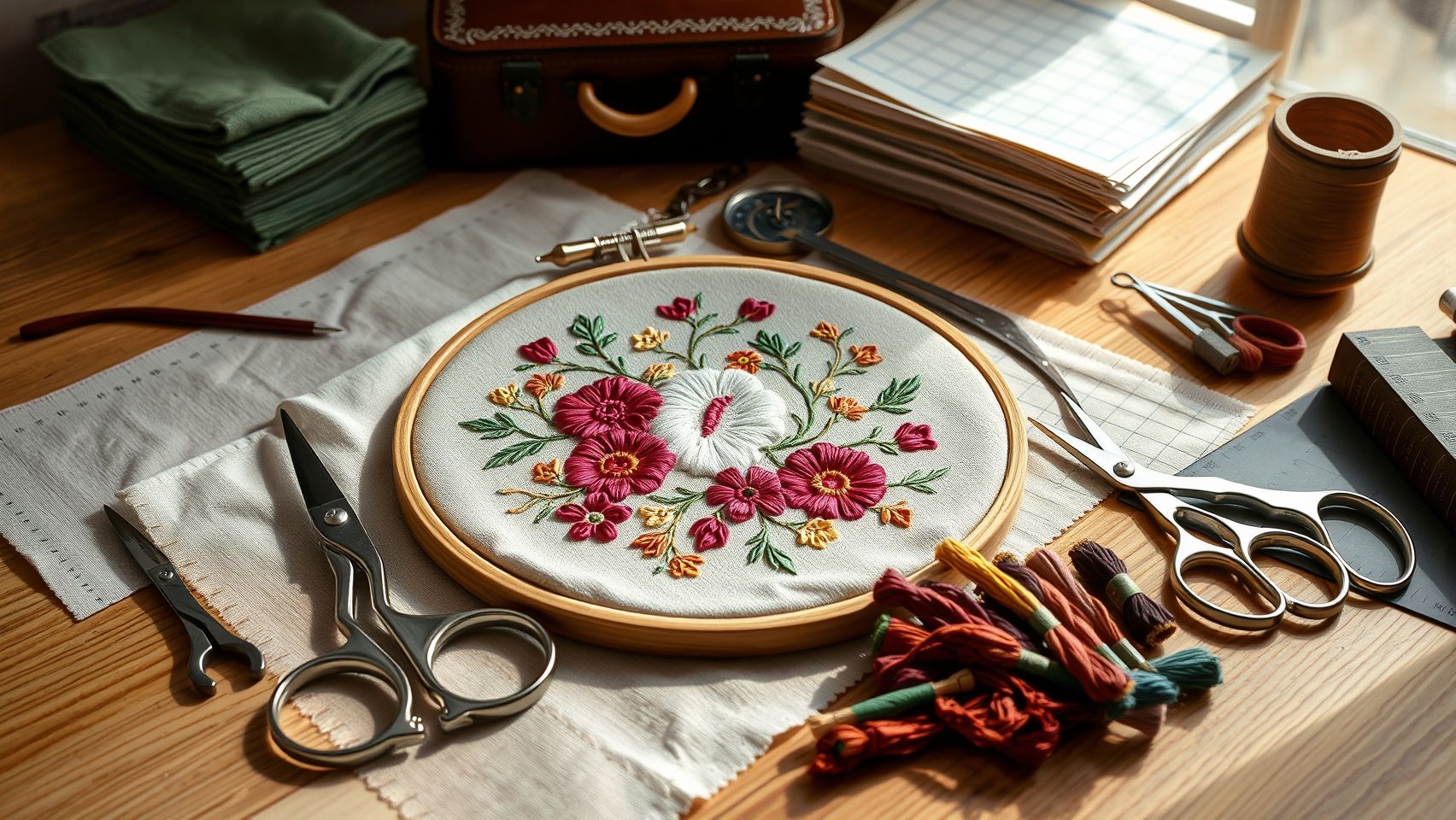
Creating professional-quality embroidery with the Futura XL580 requires the right combination of tools, threads, stabilizers, and accessories. These essentials not only enhance the final appearance but also streamline the setup process, ensuring consistent results across projects. Selecting high-quality materials and proper setup techniques makes a noticeable difference in embroidery outcomes, especially in advanced sewing and embroidery tasks.
Optimal Threads and Stabilizers for Top Results
For vibrant, durable embroidery, Madeira Rayon threads are highly recommended, offering a wide color palette and smooth stitching. Sulky Cotton threads are a good alternative for a softer finish. When choosing stabilizers, match the type to your fabric and design complexity: use cut-away stabilizers for dense or firm fabrics, tear-away for lighter textiles, and water-soluble options for delicate or sheer fabrics. Water-soluble stabilizers are especially useful for achieving clean, intricate designs without fabric puckering.
Hoops, Needles, and Lighting for Precision
The XL580 supports various hoop sizes, including up to 10 inch x 10 inch, so invest in a variety of hoops to accommodate different project sizes. Proper hoop tightening is crucial to prevent fabric puckering and maintain stitch precision. Use size 80/12 needles for fine detail work and size 90/14 for thicker fabrics, adjusting as needed based on thread and material. An LED embroidery lamp is indispensable for ensuring accuracy during detailed stitching, particularly in low-light conditions.
Design Software and Setup Tips
Leverage compatible design software like Brother’s PE-Design or SewArt, which support easy customization of embroidery patterns. Version compatibility with the XL580 allows you to modify designs seamlessly for personalized projects. Before starting, ensure your machine is correctly calibrated, fabric is securely hooped, and stabilizers are properly applied. These setup steps form the foundation of successful embroidery and help in achieving clean, professional results.
Troubleshooting Common Embroidery Issues with XL580
The Futura XL580 is a versatile embroidery and sewing machine praised for its advanced features and accuracy. However, even the best machines can encounter common issues like thread breakage, misaligned stitches, and fabric puckering. Addressing these problems quickly ensures smoother operation and high-quality results. This guide provides step-by-step solutions based on real-world fixes to help you troubleshoot efficiently and keep your XL580 performing at its best.
Thread Breakage Solutions
Frequent thread breakage can disrupt your embroidery flow. First, test different thread brands, as certain fibers are more durable and compatible with the XL580. Ensure the thread is correctly threaded through tension discs, following the machine’s manual carefully. Adjust the tension to around 3.0-3.5, as improper tension can cause snapping. Regularly check for worn or damaged needles, replace them after approximately 8 hours of use to prevent breakage. Running test stitches helps identify early tension issues before they affect your main project.
Misaligned Stitches
Misalignment often results from improper hooping or fabric tension. Double-check that the fabric is securely and evenly hooped with the proper stabilizer to prevent shifting. Confirm that the design is properly aligned in the software and correctly positioned in the hoop. Running a test stitch allows you to calibrate and fine-tune the embroidery positioning, ensuring stitches align perfectly with your design. Proper setup minimizes puckering and ensures professional-quality output.
Fabric Puckering and Uneven Stitching
Fabric puckering is common when stabilizers are inadequate or tension settings are off. Use the appropriate stabilizer based on your fabric type, tear-away, cut-away, or wash-away, and ensure it’s firmly secured to prevent shifting. Tighten the fabric evenly in the hoop to avoid tension inconsistencies. Additionally, reduce stitch density if puckering persists, as tighter stitches can pull fabric unevenly. These adjustments lead to smoother, cleaner embroidery with no puckers or uneven stitches.
Handling Error Codes and Design Issues
Error codes signal specific issues needing prompt action. Refer to the XL580 user manual’s troubleshooting chart for the exact meaning of each code. Reset the machine by powering it off, then on again; this often clears minor errors. Updating the firmware via Brother’s official website can resolve known bugs and improve machine performance. For ongoing issues, regularly clean needle grooves, replace worn needles, and verify that your embroidery software designs are compatible with the machine to prevent skips or irregular stitching.
Comparing Tools & Accessories to Maximize Embroidery Quality
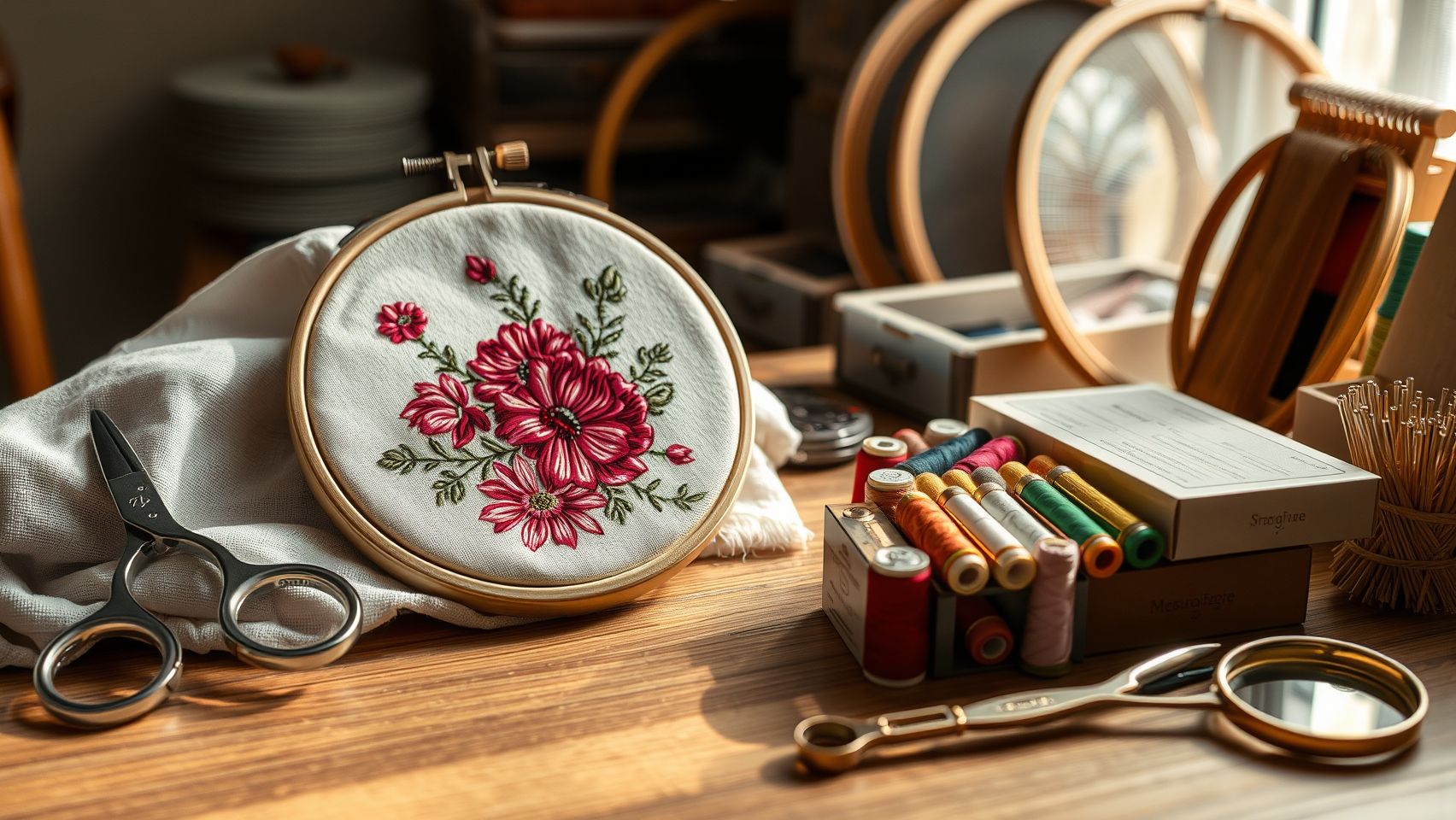
Enhancing embroidery results with the Futura XL580 requires selecting the right tools and accessories. From hoops to software, each component impacts the final quality, efficiency, and cost-effectiveness of your projects. Here, we provide a comprehensive comparison to help you make informed decisions tailored to your needs.
Hoops: Plastic vs. Metal
Hoops are crucial for maintaining fabric tension and stability during embroidery. Metal hoops generally offer superior durability and more consistent tension, which translates into professional results and fewer frustrations over time. Plastic hoops are more affordable but tend to wear out quicker, potentially affecting stitch quality.
Threads: Rayon vs. Polyester
Thread choice significantly influences embroidery finish and durability. Rayon threads deliver vibrant, high-sheen colors ideal for decorative work. Polyester threads are more resistant to UV fading and washing, making them suitable for everyday apparel and outdoor items. Rayon costs around $2 per spool, while polyester is approximately $1.75 but offers longer-lasting color integrity.
Stabilizers: Cost & Application
Stabilizers are essential for stabilizing fabric and preventing puckering. Cost comparisons reveal that cut-away stabilizers are generally more affordable but less versatile for temporary projects, whereas water-soluble stabilizers cost slightly more but excel in delicate fabrics and intricate designs. Balancing cost and project requirements ensures optimal results without overspending.
Design Software: Built-in vs. Third-Party
The XL580 comes with robust built-in design features, but advanced users often turn to third-party options like PE-Design, priced around $599, offering extensive pattern editing and customization tools. SewArt, costing approximately $200, provides user-friendly digitizing options suitable for beginners. Software choice hinges on ease of use, feature set, and budget, with higher-end programs offering more professional capabilities.
Attachments & Presser Feet
Presser feet vary for different projects: zigzag feet for decorative stitches, free-motion feet for quilting, and monogramming feet for personalized designs. Investing in the right attachments enhances versatility and precision, allowing for better results tailored to specific tasks.
Overall, by carefully choosing compatible tools and accessories, especially durable metal hoops, high-quality threads, appropriate stabilizers, and suitable software, you can unlock the full potential of the Futura XL580 and consistently produce high-quality embroidery work in 2025.
Real-World Tips for Maintaining and Extending Your Embroidery Machine’s Lifespan
Proper maintenance is essential to ensure your Futura XL580 remains reliable and continues to deliver high-quality embroidery and sewing results over time. Implementing simple routines can significantly extend the machine’s durability, reduce costly repairs, and keep it running smoothly for years to come.
Many users overlook routine upkeep, which can lead to jams, thread breakages, or performance issues. By adopting proactive strategies and troubleshooting practices, you can maintain optimal performance and get the most out of your investment.
Regular Cleaning and Upkeep
Cleaning your embroidery machine weekly with a small brush and compressed air prevents lint buildup that could cause jams or thread mishaps. Pay special attention to the bobbin area and tension discs, ensuring they are free of debris. This keeps all components working harmoniously and reduces the risk of costly downtime.
Needle Replacement and Firmware Updates
Changing needles after every 8-10 hours of use or when fraying becomes visible minimizes thread breakage and stitched imperfections. Additionally, regularly updating the firmware via USB or Wi-Fi ensures your machine benefits from performance improvements and bug fixes, which are often released by manufacturers like Brother.
Proper Storage and Lubrication
Store your Futura XL580 in a dry, dust-free environment, and cover it when not in use to prevent dust accumulation. Use manufacturer-recommended oil sparingly on moving parts after about 50 hours of operation to maintain smooth functioning and prevent wear.
Operational Checks and Troubleshooting
Before starting large projects, always check tension settings, stitch quality, and thread path. This prevents setup failures, thread breakages, and misaligned stitches, saving time and reducing frustration. Regularly monitoring these aspects keeps the machine running at peak performance and prolongs its lifespan.
Conclusion
In summary, the Futura XL580 delivers outstanding embroidery and sewing performance, backed by user-friendly features, a durable build, and a vast selection of design options. These qualities make it an ideal choice for both advanced hobbyists and small business owners aiming for professional results. To truly leverage its potential, proper setup, quality tools, and routine maintenance are essential, as they help maximize the machine’s performance and lifespan.
Now is the perfect time to evaluate your specific project needs against the XL580’s features. Consider testing it with a small embroidery project, following the setup and troubleshooting tips provided, to see your creations come to life. Explore compatible software and tools, such as digitizing software and design libraries, that can elevate your workflow and unlock even more creative possibilities.
Take action today, by implementing these practical tips and making informed choices, you’ll be well on your way to achieving stunning, professional-looking embroidery results with confidence. Remember, the right tools and a well-organized setup are the keys to bringing your creative vision to fruition.