How to Backup Embroidery Designs Securely for Fast Recovery
Are you worried about losing your valuable embroidery patterns and designs? It’s a common fear among hobbyists and professionals alike. Whether it’s due to hardware failures, accidental deletions, or cyber threats, data loss can be devastating and costly. But the good news is that there are practical, straightforward ways to protect your digital assets. From understanding the differences between cloud and local storage solutions to implementing reliable backup routines, you can ensure your designs are safe and easily recoverable. Did you know that the global embroidery market is projected to hit over $3 billion by 2034, with a steadily growing community eager to preserve their creative work? Safeguarding your designs isn’t just smart; it’s essential for maintaining your creative flow and avoiding costly setbacks. In this article, we’ll explore the best backup strategies tailored for embroidery enthusiasts and professionals, highlighting cost-effective options and disaster recovery tips that you can start applying immediately. Let’s dive into how you can protect your passion with confidence and peace of mind:
Key Insights from Recent Embroidery Storage Trends
Recent research highlights the rapid adoption of digital storage solutions among embroidery professionals, with over 60% prioritizing reliable digital backups to safeguard their creative assets. As the market grows at an estimated CAGR of around 9.7%, reaching USD 5.70 billion by 2030, the importance of secure, scalable storage increases. This growth is driven by the rising popularity of complex projects such as sustainable and in-the-hoop designs, which involve intricate files and numerous design variations. Advanced embroidery machines like Janome and digital digitizing apps support versatile design management, making robust backup strategies essential.
Furthermore, market analyses indicate an urgent need for efficient version control systems to support cultural preservation efforts through shared pattern libraries. With the emerging use of 3D effects and glow-in-the-dark techniques, design files are becoming more elaborate and difficult to store securely. As the industry expands, the focus on cloud storage solutions, external hard drives, and dedicated design management software will become critical for embroidery professionals aiming for swift data recovery and long-term security.
Current Trends Impacting Backup Practices
Data from recent industry reports stress the importance of robust backup solutions tailored to the evolving technical landscape of embroidery design. Incorporating scalable and secure storage strategies ensures data integrity, facilitates easy sharing, and supports the preservation of artistic heritage in a digitally driven industry.
Step-by-Step: Setting Up Local and Cloud Backup for Your Embroidery Files

Creating a reliable backup routine for your embroidery designs is essential to prevent data loss and ensure quick recovery when needed. Combining local storage solutions with cloud storage provides a robust strategy that safeguards your valuable files from hardware failures, theft, or accidental deletion. Follow these practical steps to establish an effective backup system tailored to your embroidery workflow.
Choosing the Right Hardware for Local Backups
Start by selecting high-capacity external hard drives, which are affordable and dependable. Recommended options include Western Digital and Seagate, both offering models with 2TB+ capacity, ideal for large design libraries. Ensure the drive is fast enough to handle weekly backups without slowing down your workflow. Regularly check the drive’s health and replace it if any signs of failure appear.
Automating Weekly Backups with Backup Software
Utilize backup tools like EaseUS Todo Backup or Acronis True Image to schedule automatic weekly full backups. These programs enable you to set it once and forget, reducing errors and ensuring consistency. During setup, specify your external drive as the backup destination and choose full system backups for comprehensive safety. Test the backup process periodically to confirm your files are being correctly saved.
Organizing Files Systematically
Arrange your design files logically within your storage system. Create folders for each project, versions, and software backups, for example, ‘Wedding Dresses’ > ‘Designs’ > ‘Version 1.0’. Consistent organization simplifies locating files and streamlines backups. Make it part of your routine to update folder structures whenever you finalize new designs or revision stages.
Syncing with Cloud Storage for Off-Site Security
Use popular cloud storage providers like Google Drive, Dropbox, or OneDrive to synchronize your embroidery files immediately after editing. Cloud backup protects you against local hardware failures and offers quick remote access. Set up automatic syncing to minimize manual effort, and consider adding descriptive labels with dates, such as ‘flower_design_v2025-07-21’, to track different versions efficiently.
Testing and Verifying Backup Integrity
Perform monthly recovery tests by restoring sample files from both local and cloud backups. This step ensures your backup files are intact and can be swiftly retrieved during emergencies. Document your recovery procedures and keep a checklist so you’re prepared for unexpected scenarios. Well-maintained backups minimize downtime and confirm your workflow’s stability.
Organize Your Files for Easy Access and Version Control

Effective file organization is essential for maintaining a large collection of embroidery designs. Well-structured folders and naming conventions streamline workflow, reduce errors, and facilitate quick retrieval in high-pressure situations. Incorporating robust version control practices ensures that original files are preserved while edits are tracked systematically, making recovery seamless if needed.
Create a Consistent Folder Hierarchy
Start by establishing a clear folder structure that categorizes projects, design iterations, exported files, and backup copies. For example, create top-level folders named Projects, Design Versions, Exports, and Backups. This hierarchy allows you to locate specific files instantly and prevents clutter, especially when managing numerous projects simultaneously.
Use Clear, Descriptive Filenames
Adopt a consistent naming convention that includes project details, version numbers, and dates. Examples like Holiday_Santa_v3-1_EmbroideryDesign help trace modifications instantly. Such filenames eliminate ambiguity, enable straightforward sorting, and enhance collaboration across teams or communities.
Implement a Versioning System
Save incremental edits rather than overwriting files. Employ a versioning system, such as appending _v1, _v2, or using dates, for each significant change. This practice preserves original designs and provides a clear change history, facilitating quick rollbacks when necessary.
Leverage Design Management Software
Utilize specialized software like Hatch Embroidery or Wilcom that feature built-in version control functionalities. These tools automatically track design edits and allow non-destructive experimentation, minimizing manual effort and potential errors.
Regular Archiving and a Change Log
Archive older versions periodically into dedicated folders or external media to keep active directories manageable. Maintain a comprehensive changelog document recording update dates, software used, and key modifications. This habit ensures a reliable backup trail, vital for complex projects or multiple revisions.
Proper organization reduces errors and enhances efficiency, especially when handling complex design files or multiple project versions. Consistent habits in file management empower you to recover quickly from accidental deletions or corrupt files, saving valuable time in your embroidery workflow.
Disaster Recovery: Creating and Testing Your Backup Plan

Developing a robust disaster recovery plan is essential for embroidery professionals to ensure that their designs are protected against data loss caused by hardware failures, theft, or other unforeseen events. A well-crafted backup strategy enables quick restoration with minimal downtime, helping maintain productivity and client satisfaction. Regularly testing this plan is equally important to identify potential gaps and confirm that recovery procedures work effectively in real emergencies.
Implementing a comprehensive backup and recovery process involves identifying critical files, establishing clear procedures, and maintaining off-site copies to safeguard against physical damage or theft. Dry runs and monthly drills are vital for verifying the reliability of backups, ensuring rapid deployment during actual disasters. Documented step-by-step instructions streamline the restoration process, minimizing confusion and delays when time is of the essence.
Identify Critical Files and Prioritize Backup Frequency and Storage
Start by listing all essential embroidery designs, software configurations, and project files. Prioritize files based on their importance, frequency of use, and creation date. Critical designs that directly impact ongoing projects should be backed up daily or weekly, while less vital files can be backed up less frequently. Use multiple storage locations, such as external drives and cloud platforms, to diversify risk and enhance security. Regularly updating your inventory ensures no key file is overlooked.
Develop a Recovery Checklist and Perform Monthly Drills
Create a detailed recovery checklist outlining each step, from locating backup media to restoring files on the original machine or a new setup. Include instructions for retrieving data from external drives, cloud services, and local servers. Monthly drills involve restoring sample files to verify backup integrity and identify potential issues before a real disaster occurs. Document any anomalies or failures during drills to refine procedures and improve response times.
Document Procedures and Keep Off-Site Backups
Comprehensively document all recovery procedures with clear, step-by-step instructions. This documentation should be easily accessible in emergency kits or digital formats. Keeping off-site copies of backup media, such as in a secure bank safety deposit box or cloud service, protects data against theft or physical damage at your primary location. Routine checks on hardware health and software updates are crucial to prevent unexpected failures that could compromise backups.
Regular validation of backup copies and adherence to a tested recovery plan minimize downtime and ensure your embroidery designs are always protected. Proactively planning and drilling your disaster recovery process enables you to respond swiftly and confidently when it matters most.
Recommended Tools and Equipment for Secure Embroidery Design Storage
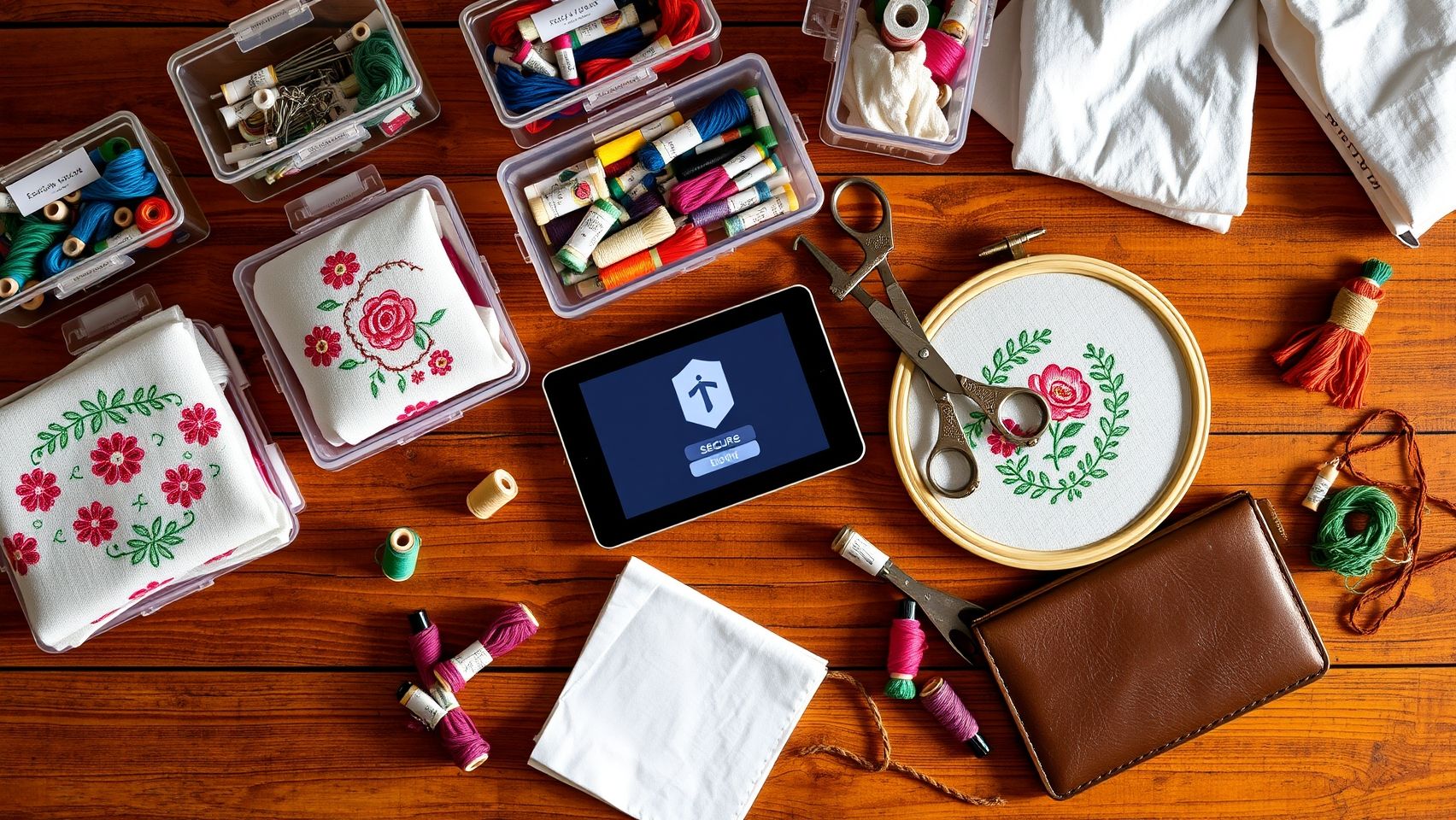
Ensuring the safety and organization of embroidery designs requires a combination of reliable hardware and smart software solutions. With the increasing complexity of embroidery projects and the valuable nature of these digital assets, selecting the right tools is essential for quick recovery and long-term security.
Effective storage strategies involve both physical devices and digital management platforms to maintain data integrity, facilitate easy access, and protect designs from loss or unauthorized access. Here are the most recommended tools and equipment tailored for embroidery professionals seeking secure backup solutions.
External Hard Drives
External hard drives are fundamental for dedicated offline backups. Among popular options, Western Digital My Book and Seagate Backup Plus offer robust, high-capacity storage (2TB+). These drives support USB 3.0 for rapid data transfer, reducing wait times during backups and restores. Their durability and compatibility with most operating systems make them a practical choice for embroidery studios of all sizes.
Backup Software
Software like Acronis True Image, EaseUS Todo Backup, and Macrium Reflect (which offers free versions) provide comprehensive backup solutions. These tools support differential and scheduled backups, ensuring designs are consistently protected without manual intervention. They also enable quick recovery, minimizing downtime in case of hardware failure or accidental deletion.
Cloud Storage Services
Cloud services such as Google Drive and OneDrive enable seamless synchronization across devices, supporting quick access and sharing. Dropbox Business is specifically suitable for team projects, allowing multiple users to collaborate efficiently while maintaining version control. Cloud backups serve as offsite protection against physical damage or theft.
Design Management Software
Specialized software like Hatch Embroidery and Wilcom Embroidery Studio offers advanced pattern management, including version control and sharing functionalities. These tools efficiently organize large design libraries, facilitate pattern revisions, and streamline collaborative workflows, reducing the risk of file misplacement or corruption.
Labeling and Security Tools
Digitally tagging files with metadata enhances organization and retrieval. Software like Adobe Lightroom can be adapted for embroidery design management, allowing detailed categorization. Security tools, including password protection and encryption software like VeraCrypt, add a layer of protection for sensitive or proprietary designs, preventing unauthorized access and ensuring compliance with intellectual property standards.
Choosing reputable hardware and software ensures data integrity, quick access, and secure storage for design files. Integrating these tools into your embroidery workflow optimizes efficiency and safeguards your creative assets for the long term.
Conclusion
Protecting your creativity begins with implementing a reliable backup storage system for your embroidery designs. As digital storage trends point toward greater reliance on cloud services, automation, and redundancy in 2025, it’s clear that having a structured, multi-layered backup strategy is essential for any serious embroidery professional. By organizing your files methodically, choosing trustworthy hardware, and automating regular backups, you significantly reduce the risk of data loss and ensure quick recovery in emergencies.
Combining local and cloud solutions offers the flexibility and security needed to manage large digital assets effectively. Regular testing of your backup system keeps it resilient, ready to spring into action whenever needed. Don’t wait for a catastrophe, start setting up your backup system today to safeguard your creative work and maintain your workflow uninterrupted. Take action now and empower your embroidery projects with peace of mind and lasting security. Your future self will thank you for it!