When Is the Right Time to Upgrade Your Embroidery Machine for Better Results
This post contains affiliate links. As an Amazon Associate, Latest Embroidery earns from qualifying
purchases, at no extra cost to you. Learn more.
Ever found yourself mid-project, wondering if that stubborn thread jam or slow stitching speed is just a quirk or a sign that your trusty embroidery machine is showing its age? If so, you’re not alone. Many embroidery enthusiasts and professionals hit that point where their machine’s limitations start to feel more like obstacles than tools.
Upgrading might seem like a big step, but the truth is, a newer machine can drastically improve your workflow, faster stitches, more built-in designs, and features that make complex patterns much more manageable. Did you know that some top models now offer advanced digitizing software integration or even wireless connectivity? These enhancements can elevate your craft and make intricate designs far less time-consuming.
So, what exactly signals it’s time for a change? Maybe your machine struggles with thicker fabrics, or perhaps it just no longer keeps up with your creative ambitions. Knowing when to switch can save you frustration and enhance your results. Curious how to tell the difference between routine maintenance and a genuine upgrade need? Stick around, because this guide will help you navigate those crucial decisions and make your embroidery projects more satisfying than ever.
Understanding When Your Embroidery Machine Needs an Upgrade
Short on time? If you only take one thing from this guide: Brother SE700 — the machine we point most beginners to — touchscreen, wireless transfer, and it sews as well as embroiders.
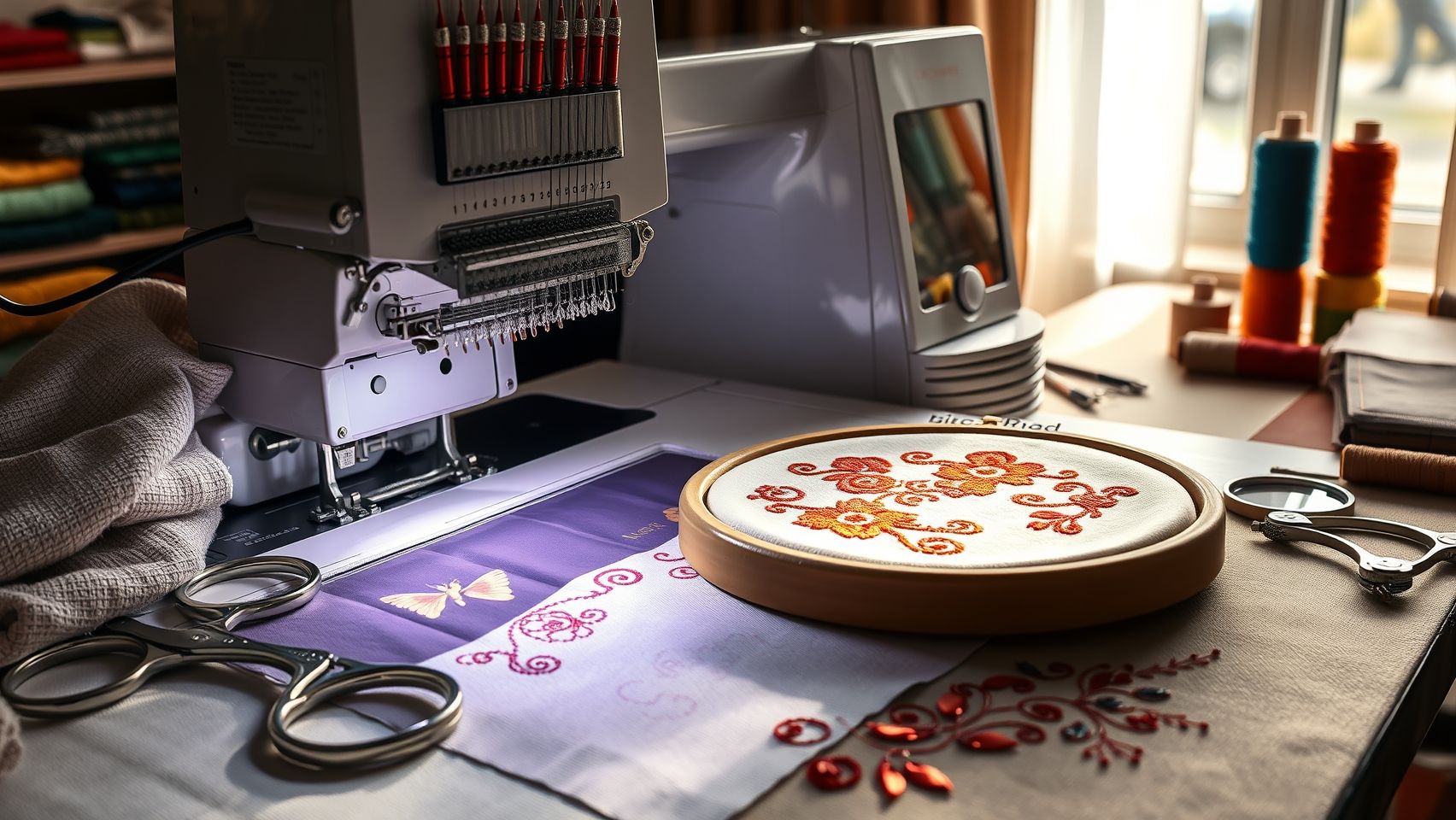
For many embroiderers, especially those juggling both hobby projects and small business production, recognizing the signs that it’s time for an upgrade isn’t always straightforward. While some issues like occasional thread breakage or minor glitches can be fixed with routine maintenance, more persistent or performance-related problems often point toward the need for a new machine.
From frequent breakdowns to slower stitching speeds, and limited design options, these are common indicators worth paying attention to. Industry benchmarks now highlight that modern machines with high stitch speeds, up to 850 stitches per minute, along with advanced features, outperform older models significantly. For instance, newer embroidery machines like Brother Luminaire or Bernina models boast automatic features, touchscreen controls, and thousands of built-in design options that drastically cut down project time and improve quality.
Key Signs of Wear and Outdated Tech
If your machine starts to struggle with basic tasks, it’s time to assess whether repairs are financially sensible. A typical guideline among professionals is that if the repair costs exceed 20% of what a new machine would cost, replacement often makes more sense both economically and in terms of efficiency. Additionally, older machines may no longer be compatible with recent embroidery software updates or new design formats, leading to compatibility frustrations that hamper productivity.
Performance benchmarks are crucial here, machines that stitch slower, have higher error rates, or struggle with complex designs signal that technological advancements are outpacing your current setup. Industry data suggests that newer models can achieve increased productivity with faster stitching, better error correction, and more reliable operation, making them valuable upgrades for professional outcomes.
Impact on Project Quality and Evolving Demands
Over time, you might notice a decline in the finesse of your embroidery work, stitch density might become inconsistent, or fine details may not render well. This deterioration in project quality often stems from technical limitations of older machines. For small business owners or serious hobbyists aiming for professional-grade finishes, upgrading ensures consistent, high-quality results.
Furthermore, as project demands evolve, whether it’s producing intricate designs or increasing volume, your current machine’s capabilities may fall short. Incorporating advanced technology, like AI-powered stitching patterns or seamless software integration, can significantly streamline workflows and open new creative possibilities. With the rapid progression of embroidery technology, evaluating your machine based on these signs helps ensure you stay competitive and creative.
Step-by-Step: Assessing Your Current Embroidery Setup
Deciding whether it’s time for an embroidery machine upgrade can feel overwhelming, but a thoughtful review of your current setup makes the process much clearer. Think of it like checking your toolbox before tackling a big project, if your machine, software, or tools are holding you back, it’s worth considering an upgrade. Let’s walk through a practical, step-by-step method to evaluate where you stand and when an upgrade might serve you best.
Review Your Machine’s Features and Performance
Start by listing your current embroidery machine’s key features. For example, if you own a Janome Memory Craft 500E, check its stitch speed, built-in designs, and compatibility with your software. Think about how these features match your typical projects, are you consistently pushing the machine to its limits? Watch out for common issues like thread breaks, inconsistent stitches, or lengthy turnaround times on complex designs. Conduct a few sample projects to compare stitch consistency, notice if the stitches look even and professional, or if frequent adjustments are needed.
Consider maintenance costs too. If your repairs and replacements are mounting, that’s an indicator that investing in a newer, more reliable model with better durability might be a smarter long-term choice. Comparing your current machine’s performance with newer models, say, the Brother SE1900 or the Bernina 880, using manufacturer comparison charts, can reveal the potential benefits of upgrading like faster stitching, larger hoops, or automatic thread trimming.
Evaluate Software Compatibility and Project Efficiency
Your embroidery software is the brain behind your beautiful designs. If your current software struggles with newer file formats, or if it limits you creatively, that’s a sign you might need an upgrade in that area as well. For example, modern machines often support more advanced digitizing tools, which can significantly cut down design setup time. Think about how much time you spend on each project, would a machine with larger hoops or faster processing genuinely save you hours and elevate your finished product quality?
Finally, take a close look at ongoing costs versus potential improvements. Sometimes, a higher upfront investment in a machine with advanced features results in fewer repairs, faster turnaround, and ultimately, a more satisfying embroidery experience. Doing this honest audit helps you determine whether a new model, such as those offering automatic thread trimming, more memory, or enhanced digitizing features, will genuinely make your craft easier and more enjoyable.
Tools and Features to Consider When Upgrading
Upgrading your embroidery machine is a exciting step that can significantly boost your productivity and the quality of your projects. But with so many options coming with different features, knowing what to look for can feel overwhelming. The key is to identify tools and features that deliver tangible benefits, making your embroidery experience more efficient and enjoyable.
For starters, think about automatic thread cutting, this simple yet invaluable feature saves you time and effort, especially during large, complex projects. A large touchscreen interface also makes navigating designs, settings, and adjustments a breeze, reducing the learning curve and minimizing errors. High stitch speeds are another plus, allowing you to complete projects faster without compromising stitch quality. Lastly, consider the hoop sizes available; machines supporting multiple hoop sizes give you the flexibility to work on both small details and large designs seamlessly.
Recommended Embroidery Machines
Among popular choices, the Brother SE1900 is a versatile option priced around $900. It offers over 240 built-in designs, automatic thread trimming, and Wi-Fi connectivity, features that can reduce your project time by approximately 15-20% and elevate output quality. The Bernina 880, sitting in the higher end at about $4, 500, boasts outstanding stitch quality, a large touchscreen, and sophisticated threading and tension controls. The Janome Memory Craft 6500P, priced around $2, 200, combines speed with reliability, supporting multiple hoop sizes and advanced stitching options. These machines are renowned for their durability and feature set, making them excellent upgrades for hobbyists and small business owners alike.
Design Software Options and Compatibility
Complementing your machine with the right software is crucial. Hatch Embroidery, Wilcom Studio, and Brother’s PE-Design are all top-tier options in 2024, each with unique strengths. Hatch Embroidery is celebrated for its user-friendly interface and automation tools, ideal for both beginners and seasoned digitizers. Wilcom Embroidery Studio offers advanced digitizing capabilities, perfect for professional design work, while Brother PE-Design integrates seamlessly with Brother machines, providing an intuitive upgrade path. When upgrading, consider whether software updates are available to unlock new features, and ensure compatibility with your machine model for a smooth workflow.
Accessories for Optimal Performance
Once you’ve picked your machine and software, enhancing your setup with additional accessories can make a noticeable difference. Extra hoops in varied sizes expand your design options, while a sturdy thread stand keeps your threads organized, preventing tangles and color mix-ups. Good quality stabilizers are also essential, they underpin your fabric and keep stitches crisp, especially on delicate or stretchy materials. These small investments save you time in troubleshooting and improve overall project results.
Step-by-Step Setup Tips
Getting your new machine up and running is easier than you might think. Begin by carefully connecting it according to the manufacturer’s instructions, ensuring all parts, especially the power supply and interface cables, are secure. Next, install your embroidery software by following the setup wizard, making sure to update to the latest versions. Precision calibration, such as aligning the hoop and checking tension settings, ensures your stitches are perfectly even. Spend a little time practicing with simple designs to get a feel for your upgraded toolset. Once everything is calibrated, you’re all set to create stunning, professional-quality embroidery with less hassle and more enjoyment.
Maximizing Cost-Benefit When Upgrading Your Embroidery Machine
When considering an upgrade to your embroidery setup, it’s essential to perform a detailed cost-benefit analysis. This process helps you understand whether investing in a new machine makes financial sense, especially when balancing purchase prices, repair costs, and projected productivity gains. Many small business embroiderers find that evaluating these factors carefully can lead to smarter decisions and a faster return on investment.
For instance, if your current machine is over a decade old and frequently requires repairs exceeding $300 each time, these costs can quickly add up, sometimes surpassing the price of a new machine. Compare this to the purchase of a new model, say around $900 for a reliable, feature-rich embroidery machine. By trading in your older unit, you might recoup 30-40% of its value, effectively offsetting the upgrade expense.
Assessing Repair Costs vs. Purchase Price
Let’s say your 10-year-old Janome costs $500 initially, but repairs over the last year have totaled $350. If the repair costs are becoming frequent or unpredictable, the cumulative expense might justify buying a new machine. For example, replacing it with a Brother SE1900 at a cost of $900, with a trade-in value of $200, results in a net expense of $700. Over six months, saving just 10 hours per project due to faster stitching and more design options can translate into significant revenue increases, potentially around 25% more profit.
Estimating Time Savings and Revenue Boosts
Imagine you’re typically spending 2 hours per project, and upgrading cuts that time in half. Over a year of typical work, say, 50 projects, that’s saving 50 hours. If your hourly rate is $20, that’s $1, 000 saved just in time alone, not counting the additional revenue from expanded design capabilities and improved customer satisfaction. These improvements can justify the investment within less than six months, especially when factoring in increased customer orders and repeat business.
Trade-In Options and Long-Term ROI
Most dealers and resellers offer trade-in programs for older embroidery machines. For example, trading in a 10-year-old Janome for a more advanced Brother or Bernina model might bring in a substantial trade-in value, about 30-40% of the new machine’s cost. With a projected profit increase of 25%, the ROI becomes clear within a short period, making the upgrade not just a luxury but a smart business move. Over 6 to 12 months, the combination of time savings, expanded design options, and satisfied clients typically outweighs the initial investment.
Timing Strategies for Upgrading Your Embroidery Machine
Deciding when to upgrade your embroidery machine isn’t just about wanting the latest features, it’s a strategic decision that can impact your workflow, project quality, and bottom line. Many seasoned embroiderers and small business owners plan upgrades around industry trends and seasonal demand cycles to ensure they’re ready for peak periods without unnecessary downtime.
Typically, the best time to consider an upgrade is after major sales seasons or model releases. For instance, if a top manufacturer announces a new machine in late summer, scheduling your purchase for August or September lets you test and train before the holiday rush, which is often the busiest time for embroidery services. This way, you’re confident in your equipment when demand skyrockets, avoiding last-minute surprises.
Optimal Timing for Upgrades
Industry data suggests most small businesses upgrade just before the holiday season, preparing to handle increased orders efficiently. For example, planning your upgrade in late summer or early fall aligns perfectly with new model launches, ensuring you have ample time to familiarize yourself with new software and features. Conducting this during a slow season, say, mid-winter, also minimizes workflow disruption, giving you space to troubleshoot and adapt without pressure.
Aligning Upgrades with Project Pipelines and Technology Cycles
Before scheduling an upgrade, take stock of your upcoming projects. Upgrading during a quiet period means less risk of project delays. Most embroidery machine manufacturers update their models every 2-3 years, so monitoring these release cycles helps you plan ahead. Setting a detailed 3-to-6-month upgrade plan, including budgeting, researching models, and scheduling purchase windows, ensures a smooth transition without sacrificing productivity.
In short, a thoughtful upgrade plan balances seasonal demand, project pipelines, and technology advancements, transforming a potentially stressful process into a smart business move.
Practical Tips for Seamless Transition and Setup
Upgrading your embroidery machine is an exciting step toward achieving better results and expanding your creative possibilities. But before diving into your new setup, there are several essential steps to ensure a smooth transition, minimize frustrations, and get the most out of your investment. Taking a little time upfront will pay off in flawless stitches and hassle-free operation down the road.
One of the most critical tasks is to back up all your existing design files and software settings. This prevents any accidental loss of valuable projects or custom configurations when installing updates or reconnecting to the new machine. Use an external drive or cloud storage, whatever works best for you, to safeguard your work. Once your files are secure, check for firmware and software updates specific to your new model, like the Brother SE1900, which benefits from the latest firmware enhancements for stability and compatibility. Updating before first use ensures you’re working with the most reliable and feature-rich version available. Follow the manufacturer’s instructions carefully, often, these updates can be completed swiftly via a USB drive or through the software interface.
Calibrating and Testing Your New Machine
After you’ve completed the updates, it’s time to calibrate your machine, this step is often overlooked but absolutely essential for consistent stitch quality. Run a few test stitches on a scrap piece of fabric similar to your actual projects. Experiment with tension, speed, and design settings, making small adjustments as needed. Trust me, those initial test runs might seem tedious, but they save hours of troubleshooting later on. Pay particular attention to how your machine handles different fabric types; some fabrics behave differently with particular stitches, and fine-tuning your tension settings makes a huge difference in the final result.
Next, explore new features like automatic thread trimming or multi-hoop setups. Practice these functions on samples to build your confidence, they can drastically speed up your workflow once mastered. Many online user communities, such as embroiderybytes.com, are goldmines for troubleshooting tips and real-world advice, so don’t hesitate to join in and ask questions. Embracing a little learning curve at this stage guarantees that your transition remains seamless and your embroidery results exceptional.
Conclusion
Reflecting on your embroidery journey, it’s clear that a strategic upgrade of your machine can unlock new levels of creativity and efficiency. The latest trends show a strong move towards smarter, faster, and more precise embroidery machines, with innovations driven by technological advances such as AI integration and enhanced automation. Recognizing the right moment to upgrade isn’t just about keeping up; it’s about aligning your tools with your evolving goals, whether for hobby or business. By carefully evaluating your current machine against a checklist and researching top models like the Brother SE1900 or Bernina 880, you set yourself up for success. Remember, patience and practice are essential, mastering new features takes time, but the payoff is worth it. Take this moment as an encouragement to experiment with new techniques, or explore advanced software, knowing you’re investing in your craft’s future. Embroidery is a timeless art; your commitment to learning and upgrading keeps your skills fresh and inspired. So go ahead, embark on your next project with confidence, knowing you’re equipped to elevate your artistry to new heights. Your best creations are just a stitch away.