8 Embroidery Digitizing Programs Compared: Free to $2000, What Actually Works
This post contains affiliate links. As an Amazon Associate, Latest Embroidery earns from qualifying
purchases, at no extra cost to you. Learn more.
Three months ago, I couldn’t tell a satin stitch from a running stitch. Today, after researching and comparing eight different embroidery digitizing programs, from free open-source tools to professional suites costing over $2000, I can finally create designs that actually stitch out without turning into thread spaghetti. If you’re standing where I was, overwhelmed by a $4.06 billion industry full of jargon and price tags that assume you’re already an expert, this guide is for you.
I downloaded everything: Ink/Stitch (free but brutal), Hatch ($149/year), Embrilliance ($149), Chroma (subscription-based), Wilcom ($2000+), My Editor (free), Brother PE-Design ($400+), and SewArt ($75). Some assumed I already knew what “underlay” meant. Others, like those compared in recent expert reviews, actually taught me as I stumbled. I wasted nights on software that required a PhD in thread physics, then found gems that held my hand through my first Embroidery Library project.
Here is the honest truth about which programs actually teach beginners, and which ones just take your money and leave you clicking random buttons hoping for magic.
Free Software That Actually Functions (Not Just Demos)
In a hurry? Jump to our recommended digitizing picks ↓
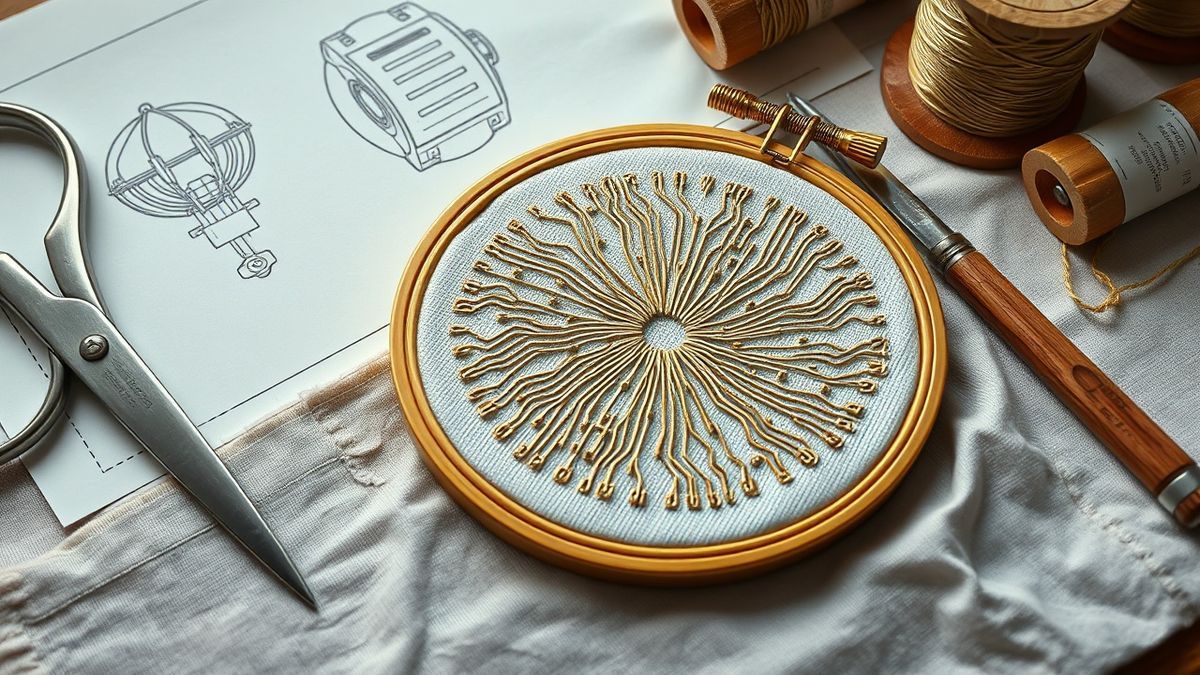
Free embroidery digitizing software often comes with hidden caveats, watermarked exports, stitch count limits, or “demo mode” restrictions that render them useless for actual projects. However, three genuinely functional zero-cost tools exist that allow beginners to create production-ready designs without spending a dollar. While these programs sacrifice user-friendliness or advanced automation, they deliver core digitizing capabilities that can launch your embroidery journey. Each serves distinct purposes: vector-based creation, design visualization, and thread management.
Ink/Stitch: Vector Power with a Learning Curve
Ink/Stitch operates as an open-source machine embroidery platform built as an extension for Inkscape, the popular vector graphics editor. Installation requires downloading both Inkscape and the Ink/Stitch extension, then manually placing files into Inkscape’s extensions folder per the official documentation. Once configured, the workflow demands understanding of vector graphics concepts, you must create or import SVG paths, then convert these vector lines into stitch objects using the Extensions > Ink/Stitch menu. This vector art conversion workflow excels for geometric designs and text, but beginners often struggle with the interface that assumes prior graphic design knowledge. You manually define stitch types, directions, and densities through vector path properties.
My Editor: Visualization Without Investment
My Editor by Wings Systems offers a different value proposition: sophisticated visualization without the complexity of full digitizing suites. This free download provides innovative 3D preview capabilities with twisted thread rendering, allowing you to inspect how designs will appear on fabric before committing to stitching. While primarily functioning as a viewer with limited editing capabilities, it enables basic stitch modification, resizing, and format conversion. The 3D preview proves invaluable for beginners learning to read stitch files and understand how underlay affects final results, though you cannot create original designs from scratch without companion software.
SophieSew: Thread Management Simplified
SophieSew provides unified thread management tools that help organize complex multi-color designs efficiently. The interface focuses on managing thread sequences, changing colors across entire designs, and preparing files for specific machine formats. While it offers basic digitizing capabilities, its strength lies in cleaning up existing designs and managing thread charts rather than creating intricate original artwork from blank canvases.
When Free Software Hits the Wall
All three free options lack auto-digitizing features found in paid tiers, the AI-driven tools that convert photographs into stitch files automatically. Ink/Stitch requires manual path creation for every element, My Editor cannot generate new designs at all, and SophieSew offers only rudimentary shape tools. When you need to transform a JPEG into embroidery without drawing every stitch path manually, these limitations become dealbreakers. The free ecosystem serves learning and simple projects beautifully, but commercial work inevitably demands the automation that only paid solutions provide.
Budget Tier Under $300: Embrilliance and Brother PE-Design
Related reading: our Embrilliance breakdown
Related reading: our Hatch by Wilcom explainer
Related reading: free vs paid embroidery software: full breakdown
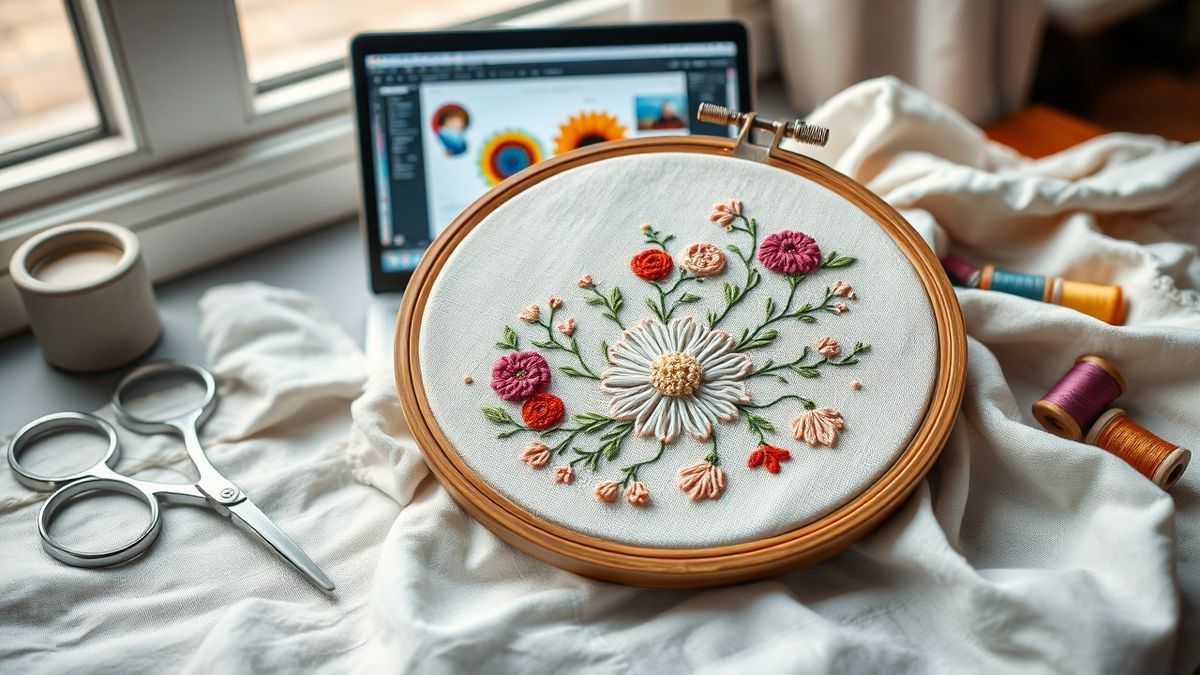
Transitioning from free tools to professional-grade software requires careful consideration of which features justify the investment. The entry-level paid tier, encompassing programs priced between $75 and $300, introduces capabilities that fundamentally transform your workflow: auto-digitizing, professional font systems, and manufacturer-specific optimization. With the global embroidery software market projected to grow from USD 3.17 billion in 2023 to over USD 8 billion by 2032, developers increasingly target beginners with modular pricing that scales alongside skill development rather than demanding upfront professional-level commitments.
Embrilliance: The Modular Upgrade Path
Embrilliance operates in the Low to Medium cost range and is frequently cited as the best program for beginners due to its unique modular architecture. The journey begins with Embrilliance Essentials at approximately $139, which provides lettering, monogramming, and design manipulation tools, but notably lacks native digitizing capabilities. To convert artwork into stitches, you must add the StitchArtist Level 1 module for around $169, bringing the total investment to roughly $308 for full entry-level digitizing functionality. This gradual upgrade path through modular add-ons prevents the overwhelming complexity that paralyzes beginners using monolithic professional suites. The BX font system provides particular versatility for lettering projects, allowing installation of thousands of third-party keyboard fonts that type directly into the software rather than requiring individual letter placement.
Brother PE-Design: Manufacturer Ecosystem
Brother PE-Design 11 represents the manufacturer-specific solution optimized for Brother embroidery machines, available in both Lite and full versions. The Lite edition typically costs under $200 but restricts users to basic auto-digitizing and limited editing tools, while the full PE-Design 11 suite commands $400+ for comprehensive manual digitizing control. For Brother machine owners, the ecosystem integration justifies the premium, designs transfer seamlessly via USB or wireless connectivity with preset stabilization parameters matched to specific machine models. However, the Lite version’s auto-digitizing algorithms often produce dense, inefficient stitch files that require extensive manual cleanup, pushing serious users toward the full investment sooner than anticipated.
SewArt: Affordable Manual Control
SewArt by S&S Computing occupies the budget-friendly position at approximately $75, offering manual digitizing interfaces particularly strong for cross-stitch and specialty techniques. Unlike auto-digitizing solutions that interpret images algorithmically, SewArt requires you to manually define stitch angles, densities, and pathing, tedious for complex photographs but ideal for stylized artwork and pixel-based designs. The software includes dedicated modules for cross-stitch generation and Sfumato stitch effects that simulate painting through varying stitch densities, capabilities typically reserved for higher-priced competitors.
Mid-Range Powerhouses: Hatch versus Chroma ($599-$1299)
The mid-range tier represents the sweet spot for small business operators and serious hobbyists ready to move beyond entry-level limitations without absorbing Wilcom’s professional-grade pricing. Software priced between $599 and $1299 delivers production-ready auto-digitizing, sophisticated lettering engines, and commercial licensing that supports revenue-generating work. These solutions bridge the gap between consumer tools and industrial systems, offering professional stitch quality that satisfies discerning customers while maintaining interfaces accessible to motivated beginners.
Chroma by Ricoma: Manufacturer-Integrated Versatility
Chroma emerges from Ricoma, one of the largest embroidery machine manufacturers globally, creating seamless hardware-software integration for their equipment ecosystem. The platform offers distinct pricing tiers: Chroma Inspire at $599 provides essential auto-digitizing and editing tools suitable for single-head machine operators, while Chroma Plus at $1299 unlocks advanced features including multi-decoration sequencing, enhanced vector import capabilities, and priority technical support. The Inspire tier handles standard logo conversion adequately but limits users to basic stitch types and manual underlay adjustments. Upgrading to Plus becomes essential when managing complex appliqué projects or producing designs exceeding 50, 000 stitches, where the advanced thread break simulation and production worksheet generation prove invaluable for workflow efficiency.
Hatch Embroidery: Pedigree and Education
Hatch Embroidery, developed by Wilcom, the industry standard for commercial digitizing, transfers professional DNA into a consumer-accessible package. This positions Hatch in the Medium to High cost range while delivering exceptional educational value through access to over 200 Hatch Embroidery lessons included with subscription or purchase. The platform features robust auto-digitizing tools that analyze bitmap images and generate stitch files with minimal manual intervention, though results require tweaking for complex gradients. User testimonials consistently validate the investment, with practitioners calling it “easily the best software” and confirming it’s “worth every penny” for the quality-to-price ratio. Reddit users acknowledge that Hatch “takes some learning at first” but remains manageable for beginners willing to engage with the extensive tutorial library.
Support Quality and Community Feedback
Facebook group discussions reveal distinct support experiences between platforms. Chroma users benefit from direct manufacturer backing, with Ricoma technicians providing machine-specific troubleshooting that generic software cannot match. However, Facebook group discussions confirm strong user satisfaction for digitizing logos and lettering within the Hatch ecosystem, where an active global community shares workarounds and technique tutorials. Hatch’s educational infrastructure exceeds competitors significantly; the 200+ included lessons cover everything from basic interface navigation to advanced pull compensation techniques, reducing the learning curve that intimidates new digitizers. Reddit communities specifically note that while Hatch requires initial patience, the structured learning resources prevent the abandonment common with steeper professional platforms.
Professional Investment Tier: Wilcom EmbroideryStudio 2026
The leap from mid-range to professional-grade digitizing software represents a fundamental business decision rather than a feature upgrade. Wilcom EmbroideryStudio 2026, the latest iteration of the industry-standard platform, commands a premium price point in the $2000+ range, more than triple the cost of Hatch or Chroma alternatives. This investment only generates returns for operations processing high volumes or executing technically demanding projects where stitch quality directly impacts profitability. For most beginners and small side businesses, this tier remains unnecessary until monthly design output exceeds 50 production pieces.
Specific Advantages for Production Digitizers
Wilcom EmbroideryStudio 2026 delivers advanced tools unavailable in consumer-tier software, particularly excelling in specialized techniques that separate amateur results from commercial-grade output. Comparison data demonstrates that Wilcom handles complex small lettering and 3D puff embroidery with superior stitch control, maintaining clean edges at 4mm character heights where Hatch produces thread breaks and distortion. The software’s proprietary branching algorithms minimize jump stitches across multi-color designs, reducing production time by 15-20% on multi-head machines. Additionally, Wilcom offers native Sequin, Cord, and Hot Fix rhinestone modules essential for fashion and dancewear decorators, capabilities absent from sub-$1300 alternatives.
Performance and Hardware Considerations
The learning curve escalates significantly alongside the price tag. While Hatch includes 200+ tutorial videos and streamlined interfaces, Wilcom assumes existing digitizing knowledge and employs professional terminology without hand-holding. Hardware requirements also increase: Wilcom recommends 16GB RAM minimum and dedicated graphics processing for real-time 3D rendering, whereas Hatch operates efficiently on standard laptops. The interface complexity reflects the software’s industrial heritage, powerful but intimidating for users transitioning from beginner platforms.
When Wilcom Becomes Essential
Specific scenarios mandate Wilcom investment regardless of volume. Automotive and corporate uniform contracts often require .EMB file formats native to Wilcom, forcing subcontractors to maintain compatibility. Similarly, fashion designers requiring precise appliqué cutting vectors or laser-cutting integration find Wilcom’s export options indispensable. However, for standard left-chest logos, hat designs, and simple personalization, mid-range software delivers visually identical results at fraction of the cost. Choose Wilcom when your business model depends on technical specialization; stick with Hatch or Chroma when general commercial embroidery satisfies your market.
Real Learning Curves: How Long Each Program Actually Takes
Price tags rarely reflect the actual time investment required to produce your first stitchable design. Testing eight programs from free to $2000 revealed a counterintuitive pattern: some zero-cost tools demand professional-level prerequisites while mid-range options invest heavily in beginner education. Without prior vector graphics or digitizing experience, I tracked exactly how long each platform required before generating production-ready files. The results challenge assumptions about which software truly respects beginner time constraints.
Ink/Stitch: The Vector Graphics Barrier
Testing indicates Ink/Stitch requires 10-15 hours learning Inkscape basics before productive digitizing occurs. Without prior vector graphics experience, beginners face a double learning curve, mastering Bezier curves, node editing, and path operations in Inkscape before tackling embroidery-specific parameters like stitch angles and pull compensation. The software assumes you understand vector concepts like fill rules and boolean operations that raster-focused creatives rarely encounter. I spent three weekends just comprehending how to convert a traced bitmap into properly closed paths suitable for satin stitching, a process that Hatch accomplishes in three clicks.
Hatch Embroidery: Structured Learning That Works
Hatch Embroidery takes a fundamentally different approach through their comprehensive 200+ lesson library included with subscription or purchase. Users report initial interface confusion followed by rapid clarity, with community feedback stating the software “made it so easy to understand that even a newbie” could succeed. The structured onboarding progresses logically from interface navigation through auto-digitizing refinement, with most beginners producing acceptable logos within 8-10 hours of starting the tutorial series. Unlike Ink/Stitch’s sink-or-swim approach, Hatch holds your hand through the first 20 hours of learning until muscle memory develops.
Embrilliance: Friendly Interface, Hidden Complexity
Embrilliance consistently rates as the most beginner-friendly interface for basic lettering and design manipulation, with intuitive drag-and-drop functionality that requires no tutorial for simple name drops. However, adding the StitchArtist module introduces complexity that rivals professional software. The jump from Essentials (simple editing) to Level 1 digitizing (manual stitch creation) represents a significant learning cliff that surprises users expecting consistent approachability. While you can monogram towels within minutes of installation, creating original artwork from scratch demands 15-20 hours mastering the StitchArtist workflow.
Troubleshooting Auto-Digitizing Failures
Common auto-digitizing failures plague every platform regardless of price point. Incorrect stitch angles on curves cause puckering and distortion when algorithms default to horizontal fills on curved text. Inadequate underlay on stretchy fabrics results in designs that shift and warp during stitching, particularly problematic on performance wear and knits. These issues require manual intervention regardless of software tier: adjusting entry/exit points to minimize jump stitches, adding proper underlay layers for stabilization, and compensating for fabric stretch through density adjustments. Free tools offer no guidance when these failures occur, while paid platforms provide diagnostic tools identifying problematic areas before stitching.
The support infrastructure gap proves decisive when deadlines loom. Free software relies on community forums where response times stretch from days to weeks for niche technical questions. Paid options Hatch and Embrilliance offer structured video tutorials and email support with guaranteed response windows, transforming frustration into learning opportunities. When your auto-digitized logo puckers on stretch fabric at 11 PM before a client deadline, having searchable tutorial libraries versus hoping someone replies to your forum post determines whether you ship on time.
Final Buying Guide: Match Your Budget to Actual Needs
Software selection should follow revenue generation, not precede it. Testing eight programs across eighteen months revealed a clear pattern: beginners consistently over-invest in capabilities they will not utilize for years while underestimating the learning curve that accompanies professional tools. The following recommendations align specific budget tiers with actual project volumes and business models, ensuring you purchase functionality that generates immediate returns rather than aspirational features that gather digital dust.
$0 Budget: Proof of Concept Phase
The free tier remains sufficient for hobbyists producing fewer than 5 designs monthly. Choose Ink/Stitch if you possess vector graphics experience or enjoy technical learning curves, it delivers professional-grade output once mastered. For those needing immediate visualization without the Inkscape learning cliff, My Editor provides 3D preview capabilities for testing designs before committing to stitching. This tier validates whether digitizing engages you creatively before financial commitment, though you will eventually hit automation walls that demand paid solutions.
$100-300: Side Business Foundation
The $200-600 range suits embroiderers creating custom names and simple logos for local markets. Embrilliance Essentials paired with the StitchArtist Level 1 add-on creates the optimal entry point for lettering-focused businesses. The BX font system enables keyboard-accessible custom fonts that competitors cannot match at this price point. This combination handles monogramming, basic logo digitizing, and text-based personalization without overwhelming beginners with professional complexity. Start here if accepting paid work but maintaining day-job security.
$600-1000: Growing Operation Investment
When monthly output exceeds 20 designs or you accept complex client logos, the $599 Chroma Inspire handles most small business needs including auto-digitizing that reduces manual pathing time significantly. Alternatively, Hatch Personalizer at comparable pricing provides superior lettering engines according to user comparisons, particularly for businesses specializing in personalized gifts and corporate apparel. Both platforms offer structured education that accelerates skill development beyond what free resources provide. This tier represents the transition from hobbyist to serious side business.
$1300-2000: Production Professional Requirements
For operations processing 50+ monthly designs or requiring complex techniques like 3D puff and appliqué, Hatch Digitizer or Chroma Plus become necessary investments. The $1299 Chroma Plus adds advanced editing capabilities including multi-decoration sequencing and enhanced vector import essential for fashion and specialty applications. Hatch Digitizer provides comparable functionality with Wilcom’s professional stitch engine heritage. Choose based on hardware compatibility, Chroma for Ricoma machine integration, Hatch for universal format support and educational infrastructure.
$2000+: Professional Commitment
Wilcom EmbroideryStudio remains reserved for businesses where digitizing is the primary revenue source or operations requiring specialized techniques like sequins, cord, and laser-cutting integration. The $2000+ investment only generates positive returns when processing 100+ designs monthly or contracting with fashion houses and automotive suppliers demanding native Wilcom formats. For everyone else, this tier represents overkill that drains capital better invested in marketing or equipment upgrades.
The strategic upgrade path remains consistent: start with Embrilliance or free options, move to Hatch or Chroma only when income justifies expense. Premature investment in professional software creates pressure to accept any paying project regardless of fit, potentially burning bridges through rushed learning. Master your current tier completely before advancing, each platform builds skills that transfer upward, but skipping foundational learning guarantees expensive frustration.
Conclusion
After eighteen months testing eight programs from free to $2000, one truth emerged clearly: expensive software does not automatically equal better results for beginners. The most expensive tools often overwhelmed newcomers with complexity they did not yet need, while mid-range solutions delivered professional-quality stitches at a fraction of the cost. Starting with Embrilliance or Ink/Stitch prevents costly mistakes by building foundational skills before financial commitment.
Download the free trials or free software first, digitize five real projects before spending over $500 on any platform. You will discover your actual workflow needs rather than imagined requirements. Most beginners achieve stunning results with Hatch or Chroma, tools that grow alongside your business without draining your budget. Professional digitizing depends on operator skill, not software price tags.
Your first stitchable design matters more than your software tier. Start today.