Oil and Maintain the Brother PE800: Step-by-Step
This post contains affiliate links. As an Amazon Associate, Latest Embroidery earns from qualifying
purchases, at no extra cost to you. Learn more.
Struggling with tension, thread jams, or lint buildup on your Brother PE800? This practical guide gives you the exact steps, tools, and timelines to clean and maintain a Brother PE800 for reliable embroidery. It also clears up the single most important and most misunderstood point about this machine: the PE800 is designed NOT to be oiled by you.
The PE800 is a single-needle home embroidery machine with a 5″ x 7″ hoop check Brother PE800 price on Amazon →, 138 built-in designs, 11 fonts, a 3.2 inch color LCD touchscreen, and USB import for PES, DST, PHC, and PEN files. Keep it running smoothly and it will hold consistent stitch quality for years, mostly through clean lint control rather than lubrication.
Affiliate picks for your maintenance kit (lint brush, scrap stabilizer, quality needles and bobbins):
Shop embroidery machines on Amazon →
The most important fact: do not oil your PE800 yourself
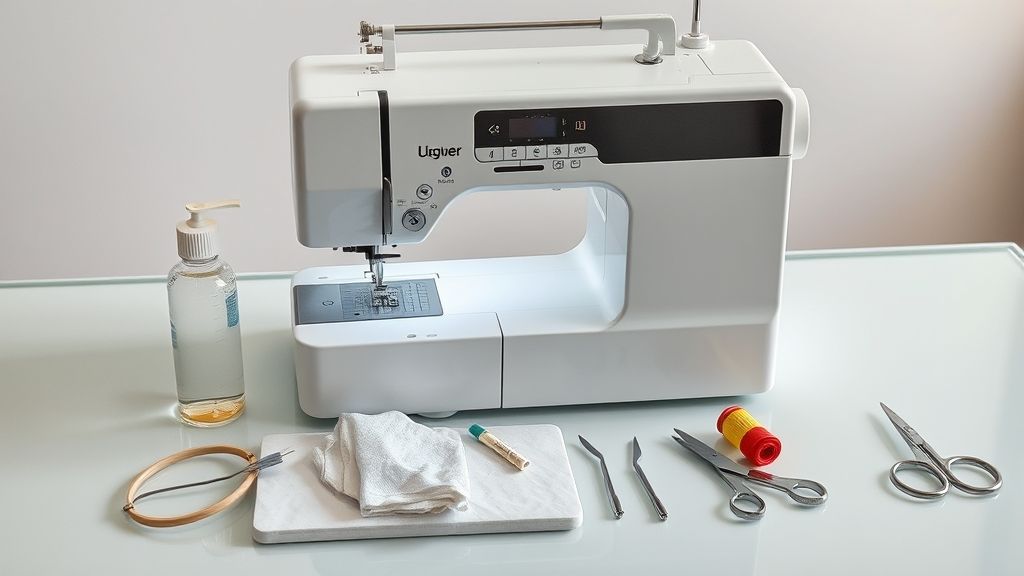
Short on time? If you only take one thing from this guide: Machine oil & cleaning kit — most “faulty machine” problems are lint and a dry hook race.
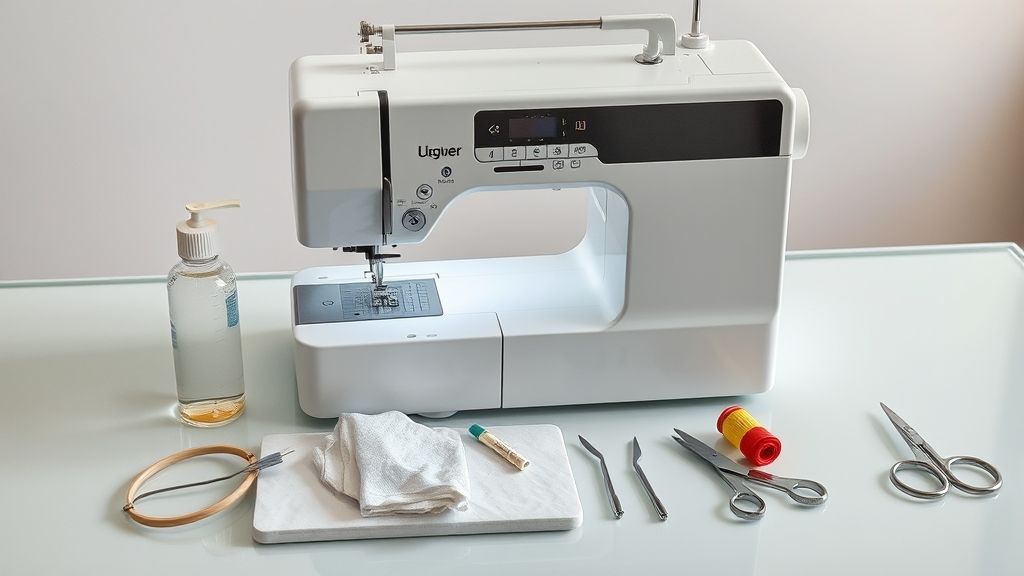
Despite countless “how to oil your PE800” tutorials online, Brother is unambiguous: the PE800 should not be oiled by the user. The machine is built and shipped with the correct amount of lubrication already applied internally, so periodic owner-oiling is unnecessary, and doing it anyway can actually cause problems.
According to Brother’s own guidance, you should not put oil in the machine, in the bobbin case, or in any of the small holes in the machine body. Excess or misplaced oil attracts lint, gums up moving mechanisms, can stain your fabric, and may void your warranty. There is no owner-serviceable “oil point” diagram for the PE800, because there are no owner oil points.
If your handwheel becomes hard to turn, or you hear an unusual grinding or knocking noise, do not reach for an oil can. Stop using the machine immediately, then contact your authorized Brother dealer or nearest authorized service center. Internal lubrication and timing belong to a trained service technician, not to a kitchen-table oiling session.
What you SHOULD do
- Clean lint from the bobbin area and race regularly with the included brush
- Power off and unplug before any cleaning
- Replace dull or bent needles and worn bobbins
- Take the machine to authorized service for any internal lubrication or odd noises
What you should NOT do
- Do NOT drip oil on the hook race, shuttle, or needle bar
- Do NOT oil the bobbin case
- Do NOT add oil to small holes in the body
- Do NOT keep running the machine if the handwheel binds or it sounds wrong
What real PE800 maintenance looks like: cleaning, not oiling
The single highest-impact maintenance task on the PE800 is keeping the bobbin area and race free of lint. Sewing performance drops when lint and dust collect in the bobbin case, so this is where your attention belongs. The good news: it takes a couple of minutes and uses the cleaning brush that ships in the box.
How to clean the race and bobbin area
- Press the needle position button to raise the needle.
- Turn off the machine and unplug the power cord before touching the bobbin area.
- Remove the needle plate cover and lift out the bobbin, then grasp and remove the bobbin case.
- Use the included cleaning brush (or a vacuum) to clear lint and dust from the race, the bobbin thread sensor, and the surrounding area.
- Wipe the bobbin case clean. Do not apply oil to it.
- Reinstall the bobbin case and needle plate cover, plug in, and run a quick scrap test before resuming a project.
Clean the thread paths and exterior
Lint also collects along the upper thread path, around the tension discs, and in the thread-cutter area. Brush these out gently and wipe the exterior with a dry, lint-free cloth. A clean thread path prevents many “random” tension and thread-break problems that owners mistakenly try to fix with oil.
Needles and bobbins
A dull, bent, or burred needle causes far more skipped stitches and thread breaks than any lubrication issue. Replace needles regularly (a fresh needle every few projects, or immediately after any thread jam or fabric snag), match the needle to your fabric, and keep good-quality bobbins on hand.
A simple PE800 maintenance schedule
A predictable cadence keeps stitches consistent and prevents most downtime. None of these steps involve owner-oiling.
After each session
- Wipe the exterior and work area to remove dust and stray threads.
- Check the needle for bending or burrs and replace if in doubt.
- Confirm the thread path is clear and correctly threaded.
Weekly (or after heavy use)
- Remove and brush out lint from the bobbin case, race, and thread sensor.
- Brush the thread-cutter area and tension path for stray fibers.
Monthly
- Do a deeper lint clean of all accessible bobbin and needle-plate areas.
- Replace worn needles and inspect bobbins.
- Check accessory screws and the needle plate for proper seating.
As needed: professional service
- If the handwheel binds, the machine is unusually noisy, or stitch quality degrades despite a clean machine and fresh needle, schedule service with an authorized Brother technician. Internal lubrication and timing are their job, not yours.
Keep a maintenance toolkit on hand: the included cleaning brush, spare needles, spare bobbins, a lint-free cloth, and scrap fabric for test stitch-outs. Notably absent from a correct PE800 kit: an oil can.
Troubleshooting common PE800 problems (without oil)
Most everyday PE800 problems trace back to lint, threading, needles, or tension, not lubrication. Always test on scrap fabric after any fix before returning to a real project.
Skipped stitches or thread breaks
Start with a fresh needle, then re-thread the machine completely (upper thread and bobbin) and clear lint from the bobbin race. Confirm the bobbin is wound and seated correctly. These steps resolve the large majority of skip and break issues.
Rough, noisy, or bound-up feel
Power off, unplug, and clear lint from the bobbin area and thread path. If the handwheel still feels rough or hard to turn after cleaning, do not oil it. This can indicate a timing or internal issue that requires an authorized technician.
Tension problems
Re-thread top and bobbin, check that the thread is properly seated in the tension discs, and verify you are using the correct bobbin and good-quality thread. The PE800 saves a default tension per pattern, so confirm you have not manually overridden it for the current design.
Oil or residue on the fabric
If you (or a previous owner) added oil to the machine, wipe away all surface oil with a lint-free cloth and stitch on scrap until the fabric comes out clean. Going forward, follow Brother’s guidance and stop owner-oiling the machine entirely.
Get more from your PE800: setup, designs, and hoops
A well-maintained machine is only half the story. Here is how to get clean, repeatable results from the PE800’s design and hoop features.
Importing and editing designs via USB
The PE800 accepts external designs in PES, DST, PHC, and PEN formats over USB. Copy your files to a USB drive (a 128GB stick comfortably holds a large library), insert it, and select the design from the on-screen Import/Open menu. On the 3.2 inch color LCD you can preview the design, rotate or mirror it, and save edited versions as new patterns so you do not have to re-import later. The machine also stores a default tension per pattern to keep stitch density consistent across jobs.
Digitizing software options
To create or convert your own designs, start free with Ink/Stitch (an open-source extension for Inkscape) before investing. Paid suites such as Embrilliance, Hatch, and SewArt add advanced lettering and automation with tiered licensing. Always test-stitch a new or converted design on scrap before committing it to a finished piece.
Hoops and reducing rehooping
The PE800 ships with the standard 5″ x 7″ hoop. Optional hoops expand your range, but note that they are sold separately and bundles vary by retailer, so confirm compatibility before buying.
For larger artwork, plan the design in sections, keep consistent starting points, and re-hoop with predictable offsets to maintain alignment. Practical hooping tips from We All Sew and stabilizer guidance from this stabilizer guide help reduce puckering on multi-hoop runs.
PE800 at a glance
Frequently Asked Questions
Do I need to oil my Brother PE800?
No. The PE800 is lubricated at the factory and is not designed for owner oiling. Brother specifically advises against putting oil in the machine, the bobbin case, or the small holes in the body, because misplaced oil attracts lint, can gum up the mechanism, and may stain your work. Routine care means cleaning lint, not adding oil.
What oil should I use on the PE800?
None as an owner. There is no owner-applied oil for the PE800. If the machine ever needs internal lubrication or service, an authorized Brother technician handles it with the correct products. Do not substitute generic sewing-machine oil.
How do I clean the bobbin area and race?
Raise the needle, turn the machine off, and unplug it. Remove the needle plate cover, the bobbin, and the bobbin case, then use the included cleaning brush or a vacuum to remove lint and dust from the race, bobbin thread sensor, and surrounding area. Wipe the bobbin case clean (no oil), reassemble, and run a scrap test. Clean regularly, since lint buildup hurts sewing performance.
My handwheel is hard to turn or the machine sounds wrong. What should I do?
Stop using the machine immediately and do not try to oil it. After confirming there is no lint jam in the bobbin area, contact your authorized Brother dealer or service center. A binding handwheel or unusual noise can signal a timing or internal issue that requires professional service.
Why do my stitches skip or thread keep breaking?
These problems are almost always caused by a dull or bent needle, incorrect threading, a poorly seated bobbin, or lint in the race, not by a lack of oil. Install a fresh needle, fully re-thread top and bobbin, clear the bobbin area, and confirm good-quality thread before anything else.
Which design formats can I import, and how?
The PE800 reads PES, DST, PHC, and PEN files. Copy your designs onto a USB drive, insert it into the machine’s USB port, and select the file from the on-screen Import/Open menu. You can preview and lightly edit on the LCD before stitching.
Can I use larger designs than the 5″ x 7″ hoop allows?
Yes, by working in sections. Split larger artwork into parts, keep consistent starting points, and re-hoop with predictable offsets to maintain alignment. Optional hoops (sold separately) such as 4×4 and 6×10 also help match the hoop to the project and reduce rehooping.
Which digitizing software is best for a beginner?
Start with Ink/Stitch, a free open-source extension for Inkscape, to learn the basics. Upgrade to paid suites like Embrilliance, Hatch, or SewArt only when you need advanced lettering or automation. Always test a converted design on scrap fabric first.
Conclusion
Maintaining the Brother PE800 is simpler than the internet makes it look, because the one thing most “oiling” guides tell you to do is the one thing you should not do. Keep the bobbin area and race free of lint with the included brush, change needles often, follow a light weekly and monthly cleaning cadence, and leave internal lubrication and timing to an authorized technician. Do that, and your PE800 will deliver crisp, consistent embroidery for years, no oil can required.