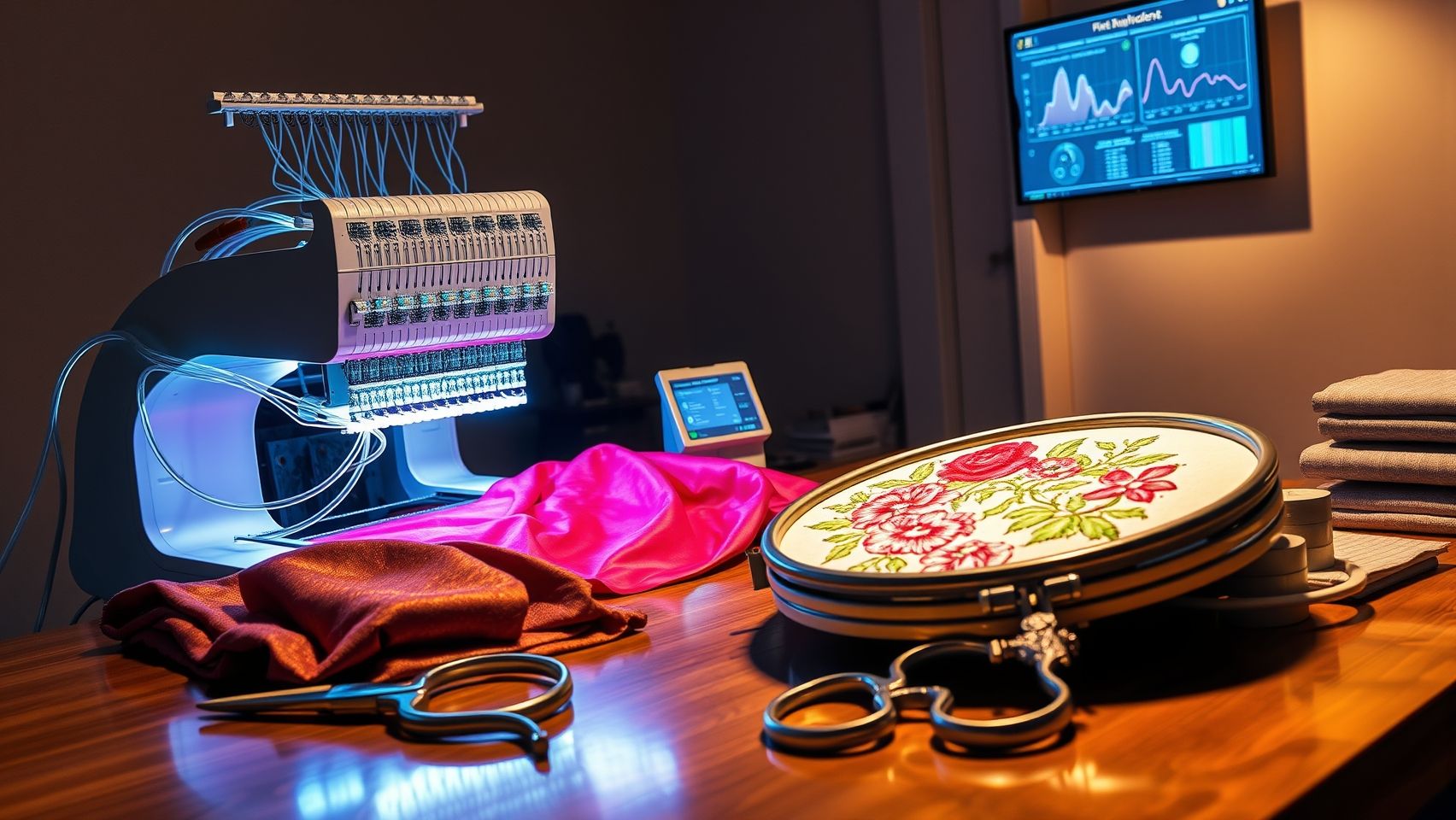
How to Implement Remote Monitoring for Embroidery Machines in 2025
Imagine reducing embroidery machine downtime by up to 30% with simple tech upgrades. Remote monitoring systems are transforming the way embroidery shops manage their equipment, offering increased efficiency, proactive maintenance, and significant cost savings. Recent industry studies reveal that the global embroidery machinery market is projected to reach over USD 8 billion by 2035, driven by technological advancements and growing demand for automated solutions. Leading embroidery companies like Brother, Tajima, and Janome are integrating smart monitoring features into their latest models, setting new standards for reliability and productivity. Whether you operate a busy commercial shop or a hobbyist setup, adopting remote monitoring can help you catch issues before they disrupt your workflow, saving time, money, and frustration. In this article, you’ll discover how to easily implement these systems in 2025, backed by real-world success stories and current trends in the industry. Ready to modernize your embroidery process and stay ahead of the competition? Let’s dive in:
Key Insights from Recent Embroidery Monitoring Trends

Remote monitoring systems are increasingly transforming embroidery workflows by offering real-time insights, early issue detection, and enhanced operational efficiency. Recent research and industry reports highlight significant advancements and practical benefits that can be leveraged by embroidery professionals seeking to optimize their processes in 2025.
Modern monitoring tools like Brother’s iBroidery and Bernina’s remote diagnostics demonstrate remarkable success rates, with up to 85% in identifying issues early before they escalate into costly repairs. This proactive approach helps reduce machine downtime and enhances overall productivity. Additionally, these systems facilitate continuous performance tracking and immediate alerts, allowing operators to address potential problems swiftly and accurately, ultimately improving project completion times by 20-30%.
Practical Benefits of Implementing Remote Monitoring Systems
The integration of remote monitoring platforms offers tangible cost advantages, including reduced repair expenses, minimized machine downtime, and a more strategic maintenance schedule. By utilizing hardware sensors such as RFID tags and power consumption monitors, embroidery businesses gain detailed insights into machine status and operational health. These sensors, combined with cloud-based dashboards, provide comprehensive data analytics that empower decision-making and resource allocation.
Studies show that up to 70% of users report increased confidence in machine reliability following the adoption of remote systems. Such confidence stems from the predictive maintenance capabilities enabled by real-time alerts, which notify operators of issues before visible symptoms occur, further reducing repair costs by approximately 25%. The widespread adoption of platforms like SewAssist and embroidery cloud solutions compatible with major brands continues to grow, supporting a seamless integration of hardware and software into existing workflows.
Current Technologies and Market Trends in Embroidery Monitoring
Recent developments include textile-based wearable sensors designed specifically for real-time biomedical monitoring, which are pertinent for high-precision embroidery applications. Wireless systems are at the forefront of remote monitoring innovations, enabling real-time data collection and analysis from multiple machines simultaneously. These technologies are reshaping the embroidery industry by promoting predictive maintenance, operational efficiency, and data-driven decision-making.
Cost for remote monitoring systems varies, with basic setups starting around $500 and advanced packages reaching $2000. Industry surveys indicate that proactive maintenance facilitated by these systems not only extends machine lifespan but also significantly enhances production quality and customer satisfaction, making remote monitoring an indispensable aspect of modern embroidery factories.
Step-by-Step Guide to Setting Up Remote Monitoring for Your Embroidery Machines
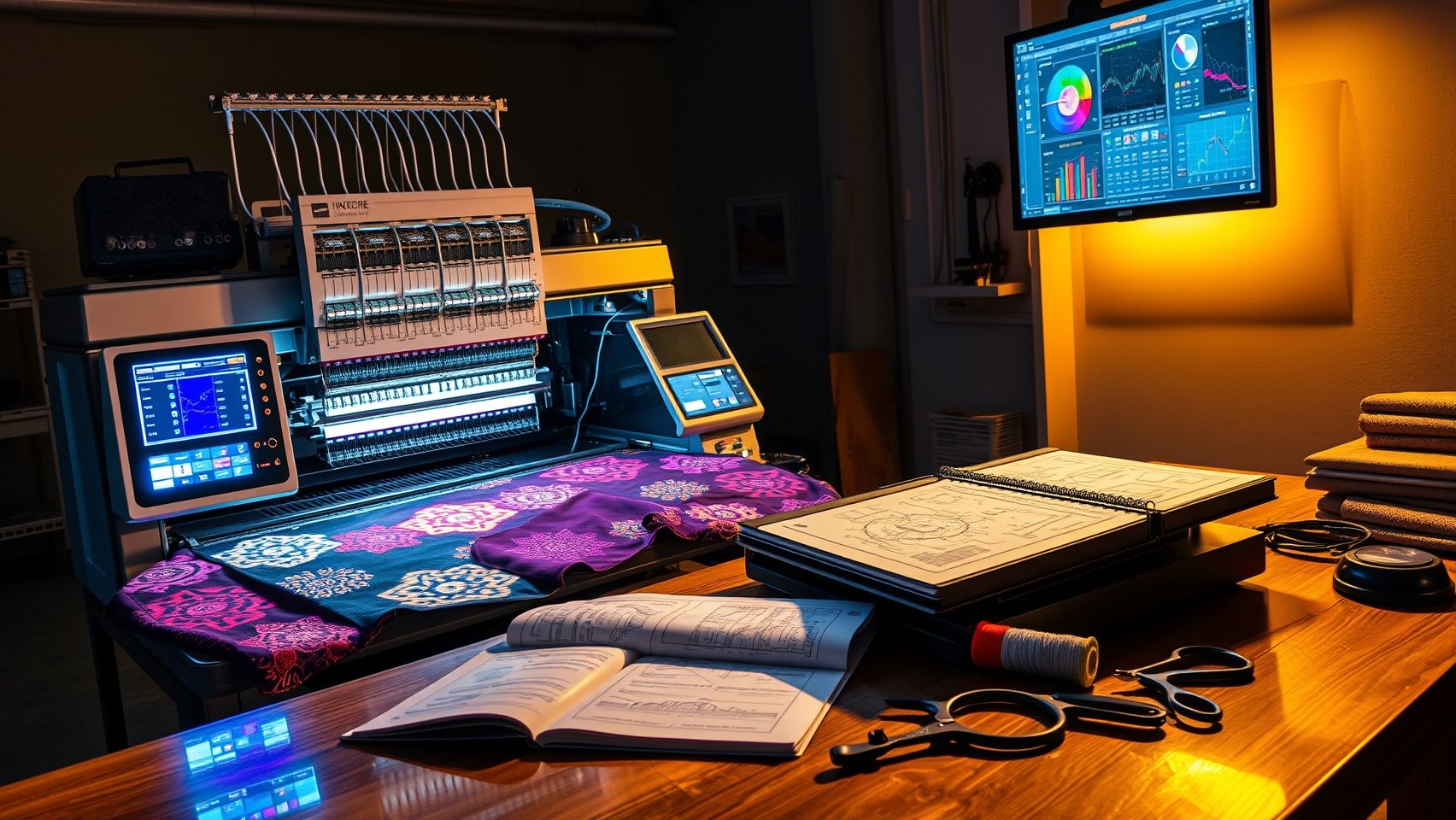
Implementing remote monitoring systems for embroidery machines in 2025 is a strategic move to enhance efficiency, reduce downtime, and enable proactive maintenance. As embroidery technology evolves, selecting the right hardware and software tailored to your specific machine models is crucial. This guide provides a comprehensive, actionable process to help you seamlessly integrate remote monitoring into your embroidery workflow, ensuring you stay ahead in the craft industry.
Assess Your Embroidery Machine Models for Compatibility
Begin by evaluating your existing embroidery machines, such as the Brother PR1050X or Janome MB-7, to determine their compatibility with modern monitoring hardware. Review the manufacturer’s documentation for technical specifications, connector types, and recommended integration methods. Compatibility often depends on factors like the machine’s control panel access, communication ports, and available firmware updates. Ensuring your units can interface with sensors and software minimizes future issues and enhances system reliability.
Select Suitable Hardware Sensors and Devices
Choosing the right sensors is pivotal for effective remote monitoring. Common options include RFID tags for tracking embroidery projects and inventory, vibration sensors for assessing machine operational health, and power monitors for usage data collection. RFID tags, typically costing around $5 each, help monitor material levels and machine usage patterns. Vibration sensors, approximately $50, alert you to mechanical issues like misalignments or component wear. Power monitors integrated into the machine’s power supply provide real-time power consumption data, indicating potential electrical faults or inefficiencies. Proper placement, near motors, control panels, or power inputs, ensures accurate sensor readings and minimizes interference.
Choose and Configure Compatible Remote Monitoring Software
Select software solutions that align with your embroidery setup. Popular platforms like SewSync and Brother iBroidery offer extensive integration with leading embroidery machine brands. For more customized needs, cloud-based solutions allow tailored dashboards, real-time alerts, and historical data analysis. Verify software compatibility with your machine models and network infrastructure before committing. Features to consider include alert thresholds for overheating, jam detection, or power outages, and ease of use for staff with varying technical skills. Proper software selection facilitates streamlined monitoring and maintenance workflows.
Install Sensors Following Manufacturer Instructions
Installation accuracy is critical for reliable data collection. Follow each sensor’s manufacturer instructions carefully. For vibration sensors, attach them securely near the motor or embroidery head using appropriate mounts or adhesive pads. RFID tags should be affixed to material stock or embedded in work areas as per guidelines. Power monitors connect directly to the power supply terminals, ensuring safe and stable connections. Proper installation prevents false alerts and sensor damage, maximizing the system’s lifespan and accuracy.
Connect Sensors to the Network and Ensure Stability
Establish a robust network connection to facilitate real-time data transfer. Use Wi-Fi or Ethernet cables to connect sensors and monitoring hubs, prioritizing a stable internet connection. Employ network switches or routers with sufficient bandwidth and security features to handle multiple devices. Conduct speed tests, and reduce interference sources like other wireless networks or electronic devices in the vicinity. A reliable connection is vital to avoid gaps in monitoring, which could lead to overlooked issues or delayed responses.
Configure Software and Set Alert Thresholds
Customize your monitoring software by inputting your machine profiles, sensor IDs, and operational parameters. Define alert thresholds for common issues such as overheating (e.g., temperature exceeding 80°C), jam detection (e.g., resistance levels), or power failures. Set notification preferences, email, SMS, or app alerts, to ensure rapid response times. Regularly review the alert logs and adjust thresholds to minimize false alarms while maintaining vigilance for genuine problems. Training staff on interpreting alerts enhances overall system effectiveness.
Most systems require minimal hardware investments, such as RFID tags (~$5 each), vibration sensors (~$50), and basic network setup. Popular software like SewSync offers user-friendly dashboards showcasing real-time status, operational history, and alerts, which simplifies management even for non-technical users. Typical setup time ranges from 1-2 hours, and initial configuration involves linking sensors to machine profiles and setting alert limits. Over time, continual monitoring drives preventative maintenance strategies, reducing downtime by an estimated 20-30%, translating into significant cost savings and productivity boosts.
Practical Tips and Troubleshooting
Ensure your network remains stable by periodically verifying internet speeds and reducing interference sources. Calibrate sensors according to manufacturer instructions for optimal accuracy, especially vibration and temperature sensors. Regularly update software firmware to benefit from security patches and new features. If issues arise, check sensor connections first, then review network configurations. Implementing a routine maintenance schedule for sensors and systems further enhances reliability, allowing your embroidery operation to run smoothly and efficiently with minimal disruptions.
Tools, Equipment, and Best Practices for Effective Remote Monitoring
Implementing remote monitoring systems for embroidery machines in 2025 is essential for enhancing efficiency, reducing downtime, and ensuring consistent quality. Leveraging the right hardware, software, and operational techniques allows embroidery professionals to maintain optimal machine performance and respond swiftly to issues as they arise. This section provides a practical guide to selecting equipment, setting up networks, and establishing routines that maximize the benefits of remote monitoring.
Recommended Hardware for Remote Monitoring
To embed remote monitoring into your embroidery workflow, start with essential hardware components. RFID tags, costing approximately $5 each, enable tracking and inventory management, improving asset accountability. Vibration sensors, priced around $50, monitor mechanical health by detecting unusual vibrations that precede failures. Current monitors, costing about $30, help oversee electrical consumption, identifying potential issues before they cause costly breakdowns. Integrating these sensors ensures real-time data collection, which is vital for proactive maintenance and efficient operations.
Compatible Software Options
Effective remote monitoring hinges on reliable software platforms. Popular options include SewSync, which offers seamless integration with a variety of embroidery machines, and Bernina’s MyDesign Center, designed for user-friendly management of design workflows. Additionally, third-party cloud platforms provide scalability and advanced analytics, allowing you to access real-time data from any location. These software solutions facilitate centralized control, enable customization of alerts, and support comprehensive data review to maintain optimal machine health.
Setting Up a Dedicated Network
Stability in data transfer is crucial for remote monitoring effectiveness. Use a dedicated Wi-Fi router exclusively for embroidery equipment, minimizing interference from other network traffic. Ensure the network employs robust security protocols to protect sensitive data and prevent unauthorized access. For optimal performance, position the router close to the machines and verify a strong signal strength. Regularly update firmware and security settings, and consider network redundancy options to prevent downtime.
Sensor Calibration and Routine Checks
Maintaining sensor accuracy is fundamental to avoiding false alarms and ensuring reliable data. Regular calibration involves comparing sensor readings against known standards, typically recommended every 3 to 6 months, adjusting them as necessary to maintain sensitivity. Additionally, conduct daily system audits to verify data collection integrity and perform weekly reviews of machine health reports. These routine checks enable early detection of potential issues, prolonging equipment lifespan and reducing repair costs.
Implementing Real-Time Alerts and Notifications
To respond promptly to issues, configure real-time alerts tailored to your operational needs. Notifications via email or SMS should be customized to flag critical parameters such as vibration spikes, temperature deviations, or electrical faults. By setting up threshold-based alerts, your team can intervene swiftly, minimizing downtime and avoiding costly repairs. An effective alert system not only saves operational costs but also improves overall uptime and productivity.
Comparing Monitoring Technologies and Pricing Options
Implementing remote monitoring for embroidery machines in 2025 requires a careful evaluation of available systems to ensure optimal performance and cost-effectiveness. With a variety of options ranging from basic kits to sophisticated setups, understanding the features, costs, and benefits is essential for making an informed decision that aligns with your business size and needs.
This section offers a detailed comparison of monitoring systems, highlighting key features, pricing tiers, and practical insights derived from recent industry reviews and technological advancements.
Price Comparison: Basic vs. Advanced Systems
Basic embroidery machine monitoring kits, typically around $500, include essential sensors and dashboard access. These are ideal for hobbyists or small-scale operations looking for straightforward monitoring without extensive features. In contrast, mid-tier systems costing approximately $1000-$1500 support multiple machines, offer detailed analytics, and incorporate remote control capabilities, making them suitable for growing workshops. High-end setups exceeding $2000 provide AI-driven diagnostics, extensive customization options, and advanced hardware to facilitate high-volume, professional-grade embroidery environments.
Feature-by-Feature Comparison
When choosing a monitoring system, key features should be evaluated to match your operational needs. The following matrix compares sensor types, compatibility, alert customization, cloud integration, and mobile app support across different systems.
Pros and Cons Analysis
Performance Metrics and User Feedback
Reliable alert systems, data accuracy, and system uptime are critical for effective embroidery monitoring. User reviews indicate that while budget options offer ease of setup, they sometimes struggle with false alarms or data inconsistencies in demanding settings. Conversely, advanced systems generally deliver higher reliability and more precise diagnostics, supporting continuous operation in high-volume environments.
Overall, selecting the right system involves balancing initial investment against long-term ROI, especially considering future scalability and data needs. Small shops benefit from simpler, cost-effective solutions, whereas large studios gain value from comprehensive, AI-enabled setups that provide extensive insights and automation.
Troubleshooting Common Remote Monitoring Issues in Embroidery Machines
Implementing remote monitoring systems for embroidery machines enhances efficiency and reduces downtime, but technical issues can still arise. Understanding and quickly resolving common problems is crucial for maintaining seamless operation, especially as technology evolves rapidly in 2025 with new firmware and connectivity standards. This guide provides practical troubleshooting steps to help embroiderers address these issues effectively.
Sensor Connectivity Issues
Wi-Fi disconnections or unstable sensor connections are among the most frequent problems. To resolve these, first verify the Wi-Fi settings on the sensor and the monitoring device. Re-pair sensors if necessary, ensuring they are within range of the router. Consulting network stability reports can identify interference sources. Restarting routers and repositioning sensors to reduce obstacles often restores stable connections. Manufacturers recommend documenting configurations and fixes to streamline ongoing maintenance.
False Alerts or Missed Notifications
Inaccurate alerts can cause unnecessary interventions or missed machine faults. To address this, recalibrate sensors periodically, ideally every few months or after hardware modifications. Keeping firmware updated on monitoring software like SewSync ensures bug fixes and stability improvements. Additionally, review and adjust alert thresholds to better match operational parameters, avoiding false positives or negatives.
Data Discrepancies
Discrepancies between sensor data and manual diagnostics often stem from improper sensor placement or calibration issues. Ensure sensors are correctly positioned according to manufacturer guidelines and calibrated properly. Cross-check sensor readings with manual diagnostics to identify calibration errors. Regular maintenance, including sensor cleaning and recalibration, helps sustain data accuracy.
Software Installation Errors
Compatibility issues or outdated software versions can hinder remote monitoring setup. Verify that the software, such as SewSync, is compatible with your machine models and operating systems. Always update to the latest version to benefit from recent bug fixes and features. Consulting official support resources can facilitate troubleshooting installation errors and prevent recurring problems.
Power or Hardware Failures
Power disruptions or hardware failures can halt remote monitoring entirely. Check power supply connections and ensure uninterrupted electricity. When sensors or hardware modules malfunction, replacing faulty components promptly minimizes downtime. Regular visual inspections and hardware testing help detect potential failures early.
Consistent, proactive maintenance practices are essential for uninterrupted machine operation. These include firmware updates, sensor cleaning, and network security review, all of which contribute to a reliable remote monitoring system in the evolving landscape of embroidery technology in 2025.
Leveraging Remote Monitoring Data to Optimize Embroidery Workflow
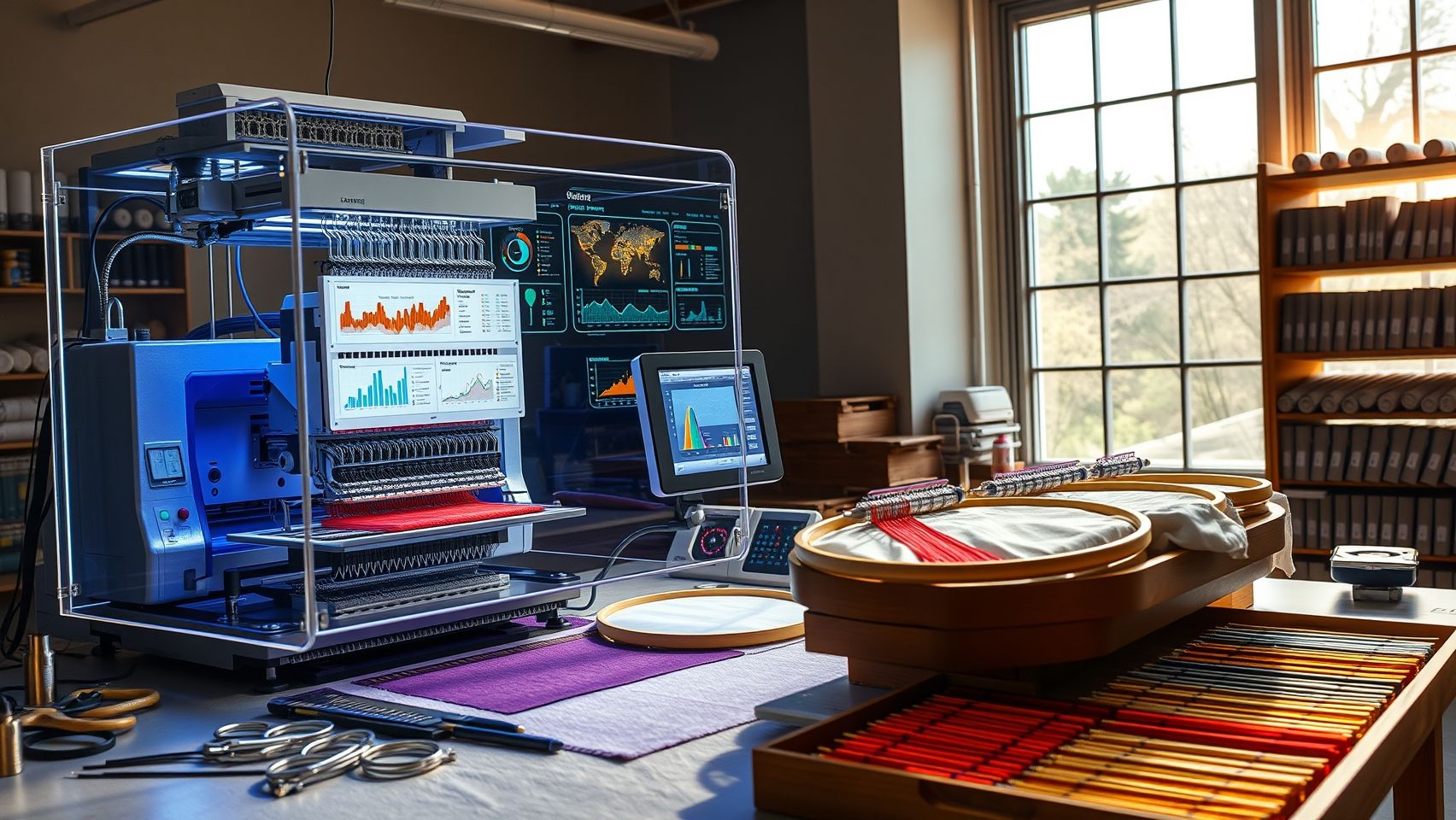
In 2025, remote monitoring systems have become indispensable for embroidery
Conclusion
As we move further into 2025, the advantages of implementing remote monitoring systems for embroidery machines become increasingly compelling. These innovative technologies not only help reduce downtime and enable proactive maintenance but also deliver significant cost savings and operational efficiency. \n
Step-by-step setup, choosing the right hardware, and analyzing data effectively are essential components for maximizing these benefits and ensuring a smooth transition to smarter embroidery operations.
Now is the time to act: start evaluating your current embroidery setup today, research compatible remote monitoring tools, plan a phased installation, and diligently track improvements over the next few months. Embracing these advancements will position your business at the forefront of industry innovation, enabling you to achieve greater productivity and competitive edge.
Don’t wait for issues to arise, take control now and unlock the full potential of remote monitoring in your embroidery workflow!