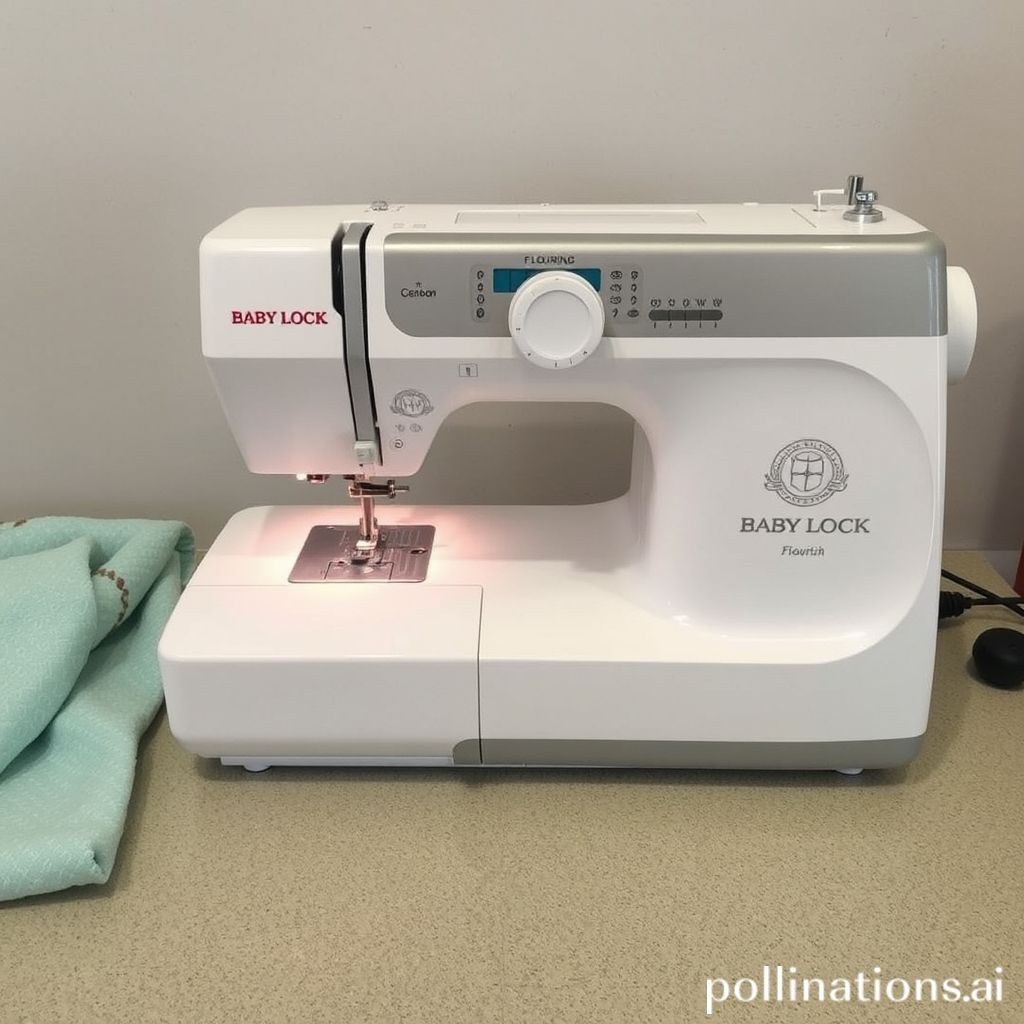
Baby Lock Flourish 2: Is This Embroidery Machine Worth It?
This post contains affiliate links. As an Amazon Associate, Latest Embroidery earns from qualifying
purchases, at no extra cost to you. Learn more.
Quick verdict: the Baby Lock Flourish II, also searched as Flourish 2, is an embroidery-only machine. Consider it if you already own a sewing machine and have found a complete, demonstrably working example at a sensible price. It cannot replace a machine for sewing seams, buttonholes or quilts.
Baby Lock lists it among its previous models. Before buying, compare the actual seller’s offer with a supported alternative and allow for missing accessories and servicing. Check a used-machine asking price or compare alternatives and buying links.
Prefer to compare a newer embroidery-only model first? View the Brother NQ1700E listing on Amazon for a 6 × 10-inch option. Check the seller’s bundle and terms; this is not a Flourish II listing or a stock guarantee.
How We Research: this is a specification-based buying guide, checked against the manufacturer sources linked below on September 6, 2026. We have not hands-on tested this machine. This revision corrects earlier sewing-machine descriptions and removes unsupported testing claims and unattributed testimonials.
What the Baby Lock Flourish 2 actually does
The Flourish II’s model number is BLMFO2. Baby Lock specifies a maximum embroidery field of 6¼ × 10¼ inches, 181 built-in embroidery designs and 13 embroidery fonts. Its listed features include a color touchscreen, design editing, USB input and jump-stitch cutting. These are embroidery features, not a library of utility sewing stitches. See Baby Lock’s Flourish II specifications and downloads.
Baby Lock’s original Flourish II specification sheet also confirms the embroidery field and included hoop sizes. Use the documentation to check an offer, but verify which accessories are actually being sold with a used unit.
For a buyer, the useful question is whether your intended designs fit and whether the particular machine works properly. A larger embroidery area is helpful only when you will use it. Bring the actual design dimensions to a demonstration; do not choose a machine from a photo of its hoop alone.
If you want one machine for both ordinary sewing and embroidery, this is the wrong category. Our Flourish II vs Brother SE1900 comparison explains that trade-off, including newer options.
Baby Lock Flourish 2 price: how to judge an asking price
We do not have a verified live selling price for a Flourish II or a confirmed Amazon listing for the machine itself. Because it is a previous model, an old advertised retail price is not a reliable guide to today’s used-machine value. Ask for an itemized quote for the exact unit, its condition and what is included.
Compare the complete cost: asking price + delivery or collection + missing required accessories + any quoted service work. Then compare that total with an alternative that meets the same design-size and sewing requirements. An inexpensive listing is not necessarily the less expensive way to finish your projects.
- Ask the seller: does the sale include the embroidery unit, matching hoops, power cable and the accessories shown in the listing? Request photographs of the actual items.
- Ask a service provider: can they service this model locally, and what would an inspection or any known fault cost? Do this before committing to a machine that needs work.
- Check the terms: get the return policy and any seller warranty in writing. Do not assume that original-owner coverage or bundled software licenses transfer.
- Separate useful extras from headline value: count an accessory only if it fits this model and serves a project you plan to make. A large thread collection cannot compensate for a missing embroidery unit.
Our buying rule: if the complete used-machine cost is close to a new alternative with the support you need, the used offer needs a clear advantage to justify the uncertainty. If the seller cannot demonstrate it, price alone is not enough reason to buy.
Alternatives: match the machine to your projects
These are different machines, not Flourish II listings or identical replacements. The Amazon links below point to the named products; check the selected bundle, seller, condition, delivery, returns and current price on Amazon. We verified the listing identities, not live stock or the quality of an individual seller.
| Option | Reason to compare | Buying check |
|---|---|---|
| Brother NQ1700E | A 6 × 10-inch embroidery field and wireless design transfer. A relevant larger-field alternative if you already have a sewing machine. | The linked offer is a bundle; check its contents and support terms. View the NQ1700E listing on Amazon |
| Brother PE900 | A smaller 5 × 7-inch embroidery field with wireless transfer. Compare it only if your projects fit that limit. | It is embroidery-only, not a sewing-and-embroidery combo. View the PE900 listing on Amazon |
| Baby Lock Flare | Baby Lock lists a 6¼ × 10¼-inch field and wireless transfer. Worth discussing if Baby Lock support is important to you. | Ask about the exact offer and included support; do not assume it matches a used Flourish II package. Check the Flare with Baby Lock |
Specification sources: Brother NQ1700E, Brother PE900 and Baby Lock Flare. If sewing seams is essential, start with the combo category in our embroidery-machine buying guide instead.
What to check at a used-machine demonstration
Ask to see the actual machine complete a small design from beginning to end. A video of the screen powering on does not demonstrate stitch formation, fabric handling or thread changes. If possible, use a design and material representative of your plans, with the seller’s appropriate stabilizer and setup.
- Confirm identity and completeness. Match the model label to the listing and check the supplied embroidery unit and hoops. Obtain the model-specific manual from Baby Lock’s downloads.
- Watch the setup. Have the seller demonstrate threading, attaching the hoop and selecting a compatible design. Ask them to show importing a file if that is how you intend to work.
- Watch a complete stitch-out. Examine both sides of the finished sample. Ask about repeated breaks, skipped areas, unusual noise or errors rather than accepting a promise that new thread will fix everything.
- Check the transaction details. Confirm the final included items, collection or packing arrangements, receipts and any agreed return window before paying.
This is a buying checklist, not a mechanical inspection or a guarantee of future reliability. If a fault appears, get a qualified service assessment before purchase. Follow the machine’s manual for maintenance rather than generic advice about oiling sewing machines.
Who should buy it—and who should pass?
Consider a Flourish II when you want a separate embroidery setup, the field suits your real designs, and a working, complete example comes with terms you understand. Keeping your ordinary sewing machine available while another machine embroiders may suit your workflow.
Pass on it when you need sewing functions, cannot verify the condition, or would spend nearly as much correcting an incomplete unit as buying a suitable alternative. Do not stretch your budget for advertised extras that you will not use. Reserve money for the materials and learning needed for your first project.
Still deciding between larger embroidery space and one-machine versatility? Read the Flourish II vs SE1900 buying comparison next.