Real-World Embroidery Design Pattern Repeat Techniques and Tools That Deliver Results
This post contains affiliate links. As an Amazon Associate, Latest Embroidery earns from qualifying
purchases, at no extra cost to you. Learn more.
Ever stitched out a pattern repeat that looked perfect on your computer, only to watch it fall apart on fabric? You’re not alone. Creating seamless repeats that actually stitch well is a maddening art, not just slick digital trickery. With machine hoop sizes and quirky alignment quirks, it’s no wonder there’s a whole subculture around fixing pattern “hiccups.”
Scroll through any embroidery forum, and you’ll drown in advice, much of it untested. The embroidery industry is booming, with a global value projected to hit $8.5 billion by 2033, driven by the demand for custom design and automation (see this recent industry breakdown). Yet, there’s still a lack of concrete data and battle-tested solutions for pattern repeats that hold up on real machines and real projects.
This article sifts fact from fluff. I’ll demo proven repeat-building approaches, spotlight trusted tools like Wilcom Embroidery Studio and browser-based digitizers such as Ember, and reveal what actually works for flawless embroidery repeats, from digital tile setup to seamlessly connecting multi-hoop designs.
No more bumpy borders or awkward gaps, just practical, field-tested fixes. If you’re determined to create pro-level repeating embroidery (and finally see your vision stitched out exactly right), let’s dive in together. Ready to up your pattern game? Check out these embroidery machines perfect for repeat design work:
Shop embroidery machines on Amazon →
What Today’s Embroiderers Actually Do for Seamless Pattern Repeats
Seamless pattern repeats are no longer a challenge reserved for seasoned professionals, today’s embroidery practitioners, from solo crafters to boutique studios, use a blend of leading software, rapid prototyping tools, and community inspiration to achieve flawless results. Software like Hatch by Wilcom, Embrilliance StitchArtist, and Brother PE-Design 11 has become the industry’s backbone, delivering automated tiling, instant previews, and customization that adapt to real project needs. The craft market continues to expand: 2024 industry reports highlight an increase in embroidery software adoption among home-based businesses and upcycled design startups, reflecting a shift toward both economic resilience and creative autonomy.
In addition, artificial intelligence tools are being integrated into embroidery suites and digital platforms, offering “one-click” repeat generation based on user input or trend-driven image databases. For those looking to personalize or upcycle, inspiration flows from vast Pinterest collections and trusted Etsy pattern shops, with creators prioritizing eco-friendly materials and innovative surfaces, think leather sneakers, bespoke pillows, and even ceramics, where repeat motifs tell a unique story.
Must-Have Tools & Techniques for Seamless Repeats
The following solutions represent what active embroiderers employ right now:
- Hatch Embroidery Software (by Wilcom): Automatic pattern tiling, live repeat previews, and direct-to-machine exporting; new AI-based “Pattern Creator” module added in recent updates.
- Wilcom EmbroideryStudio e4.5.8: Commercial-grade suite with smart repeats, digital preview, and batch conversion for multi-surface projects; supports large-scale and custom upcycling.
- Brother PE-Design 11: User-friendly repeat controls, “Split Pattern” for non-standard embroidery fields, and robust stitch optimization for diverse substrates, from lightweight linens to upcycled denim.
- Embrilliance StitchArtist: Intuitive drag-and-drop digitizing, quick motif repetition, and advanced editing for bespoke or small-batch jobs.
AI-Driven and Community-Backed Repeat Creation
AI-powered features, especially on Wilcom Workspace, Hatch, and Canva, are streamlining motif repetition and testing, reducing manual adjustment time by up to 70% according to craft industry feedback. Embroiderers rapidly adapt trendsetting motifs found on Pinterest, often employing software to convert digital images into embroidered repeats, while top-rated Etsy sellers provide ready-to-use pattern files verified by other makers.
Sustainability and Storytelling in Pattern Repeats
Eco-practices are front and center in 2024, with users opting for upcycled fabrics and crafting story-rich patterns on unique surfaces. According to current forums and maker interviews, the most popular repeat applications include:
- Upcycled wearables (leather shoes, jackets)
- Home decor (statement pillows, recycled canvas art)
- Non-traditional surfaces (ceramics, cork, vegan “leather”)
A growing portion of embroiderers draw directly from community-driven boards on Pinterest, citing narrative and geometric repeats as the year’s most requested motifs.
Best-in-Class Embroidery Repeat Software: 2024 Feature & Price Comparison
Step-by-Step: Setting Up Seamless Repeat Patterns with Digitizing Software
Creating flawless, loop-free repeats in embroidery design elevates the final product, and modern digitizing software puts precision within reach for hobbyists and professionals alike. With the embroidery software market projected to see rapid growth, estimates place 2024’s global market value above $1.2 billion, platforms like Hatch 3, Wilcom E4.5, and Embrilliance StitchArtist are leading the charge with specialized features for repeat patterning and real-time simulation. Setting up your file correctly at the outset is critical: current industry consensus, supported by digitizing experts, dictates prepping your artwork at 300 DPI and preserving vector elements whenever possible for sharp, scalable repeats.
Beyond file prep, leveraging the latest tiling modules and live preview functions streamlines the workflow. Notably, Hatch 3’s and Wilcom E4.5’s updates emphasize seamless motif repeats and real-time edge-to-edge tiling preview, a staple for anyone aiming for professional, production-ready stitch-outs. Importantly, always keep lettering and small elements at or above 4–5 mm in height, reflecting 2024’s standards for legible, crisp embroidery on even textured substrates.
Optimal File Setup for Digitizing Perfect Repeats
Start by importing your artwork in a lossless, high-resolution format, preferably an SVG or high-DPI PNG at 300 DPI. Both Hatch 3 and the latest Wilcom E4.5 offer direct vector imports and built-in vector-to-stitch conversion, eliminating tedious manual tracing. This not only ensures smooth, scalable results, but also guarantees outlines remain crisp after tiling. Current industry advice: organize design layers for easy motif isolation, and lock your repeatable units to grid or pixel increments to avoid misalignments.
When digitizing text, always enforce a minimum height of 4 mm for columns to prevent loss of clarity and stitch crowding. This minimum, consistently referenced as a baseline in professional digitizing standards, will ensure excellent legibility, especially after tiling or resizing motifs.
Tiling & Seamless Repeat Tools: Hatch 3 and Wilcom E4.5 in Practice
Using Hatch 3’s Pattern Fill and Repeat Module, after uploading your design, select the ‘Seamless Tiling’ option. Adjust horizontal/vertical offsets as needed and use the integrated live preview to check for unwanted gaps or overlaps. Wilcom E4.5’s latest update (e4.5.8) further refines repeat boundaries, with advanced motif linking and an edge wrap preview, helping you visualize the tile’s edge join in real time, an essential for continuous textiles or large-format hooping.
Both platforms support exporting repeat motifs as individual elements or composite repeat sequences in industry-standard formats (DST, PES, EXP). Before exporting, always review multi-sequin and pattern branch flows, a feature enhanced in Wilcom’s recent updates, to ensure uninterrupted stitch paths in multi-tile outputs.
Live Preview and Stitch Simulation: Embrilliance StitchArtist
Before final production, run your repeat through a live preview in Embrilliance StitchArtist. The software’s updated Stitch Simulator allows zoomed-in reviews of fill direction, underlay structure, and tile boundary interactions. Adjust stitch densities or boundary overlaps in real time, ensuring seamless joins and professional coverage prior to export. Once satisfied, export as DST or PES, verifying output in a secondary viewer or physical test swatch for guaranteed results.
2024 Market-Leading Software: Practical Cost Comparison
Following this workflow streamlines professional, tile-ready embroidery for today’s market standards. Leveraging new features like vector import and dynamic repeat modules allows for rapid, reliable repeat pattern digitizing, with direct cost and quality advantages, especially as the embroidery software sector continues to evolve and grow.
Practical Pattern Repeat Math: Densities, Stitch Spacing, and Scaling That Actually Works
Embroidery professionals attempting repeat patterns in real-world projects rely less on theory and more on exact, experience-backed numbers for density, scaling, and motif alignment. Industry standards in 2024 confirm that most fill stitch densities fall between 0.4 mm and 0.5 mm, a range tested to minimize puckering on woven fabrics and avoid thread clumping often seen at denser settings. This balance ensures optimal surface coverage without compromising design clarity.
As for repeats themselves, modern garment and décor applications usually demand a minimum motif repeat of 1.5–2.25 inches. This buffer safeguards alignment accuracy across larger sewn areas and also accommodates movement during hooping and handling. Markets specializing in textured home goods or upholstery deliberately use even larger repeats for longevity and visual impact, while upcyclers and stretch fabric enthusiasts adjust density slightly lower to avoid distortion.
Recommended Stitch Density and Repeat Parameters
Contemporary embroidery digitizing guides, including those from Madeira and Zdigitizing, identify 0.40–0.50 mm as the recommended fill stitch density for stability on cotton, linen, and blends (see recent PDF guides and 2024 machine embroidery forums). For knits or stretchy fabrics, practitioners often loosen density settings (up to 0.6 mm) and incrementally widen the gap between pattern repeats to cushion for fabric movement and uneven tension.
Screen-to-Surface Scaling Factors
Digitizing for surfaces such as leather or ceramics means recalibrating both design size and stitch characteristics. Industry sources advise maintaining maximum stitch lengths below 8 mm on rigid materials to prevent thread puckering or loss of surface adhesion. Satin fills, often trouble on hard or uneven substrates, should be minimized or replaced with split or fill stitches, and the pattern itself typically shrunk by 5–10% compared to fabric applications to ensure alignment and edge integrity.
Comparison Chart: Pattern Repeat and Stitch Density, What Works Where
Real-World Expert Advice and Up-to-Date Considerations
Staying current matters, 2024 has seen broader adoption of digitizing software that auto-adjusts stitch density based on fabric type. Modern Brother and Janome tools, for example, now recommend their own default settings within the 0.4–0.5 mm range. Experts across Zdigitizing and Scalable Press also cite the importance of test stitching each pattern (especially for new textiles or repurposed items), since real surfaces often behave differently than expected from on-screen designs. Adapting these parameters is the fastest route to reliable results and visually sharp repeat motifs, regardless of project surface.
Test Runs and Quality Control: Preventing Stitch Errors and Misaligned Repeats
Pattern repeat techniques can elevate or derail an embroidery project, so professional crafters rely on a blend of software simulation, strict machine maintenance, and file precision to nail edge-to-edge results. Consistent QC not only trims costly missteps but lets projects scale with fewer headaches, especially as embroidery design complexity and volume surge in 2024, spurred by the booming personalized apparel and upcycling trends.
Practical defect prevention starts before the needle drops. Industry studies and recent practitioner insights confirm that catching errors virtually is faster and cheaper than fixing them mid-stitch, cutting wasted production runs and job delays. With new simulation features in digitizing programs like Embrilliance StitchArtist, Hatch, and Wilcom gaining market share, quality control workflows have become smarter and more time-efficient for hobbyists and pros alike.
Simulate Every Repeat: Visual Catch-All for Common Pattern Defects
Embroiderers are running every repeat file through software simulators before ever loading the machine. Embrilliance StitchArtist’s live stitch simulation and Hatch’s stitch player highlight potential problems, stitch gaps, thread jumps, “edge ghosts, ” or density overfill, so you can spot and correct trouble zones visually. Users report refining pattern boundary positions and aligning repeats using these preview windows, a real asset for avoiding misalignment across multi-hoop designs or edge-to-edge repeats.
New 2024 updates to programs like Embrilliance and Hatch have focused on better color coding for underlay overlap, thread path optimization, and run-time adjustment previews, making it even easier to tweak repeat overlap and density for complex projects.
Equipment Maintenance: The Front Line Against Thread Breaks and Drift
Regular equipment maintenance is the linchpin against thread breaks and misaligned repeats. User communities and recent instructional guides stress the value of daily lint clearing, especially in needle threaders and bobbin cases, where buildup throws out thread tension and leads to skipped stitches or drifted alignment. Swapping needles every 10–12 hours, recently reaffirmed by expert blogs as the modern “sweet spot”, prevents burrs that shred thread or pull fabric.
Routine tension checks, now simplified by many machine manufacturers with digital displays and built-in tension test stitches, are specifically credited with reducing puckering in heavy fill repeat zones.
Puckering Prevention: Smart Tension and Density Adjustments
Puckering, often blamed on unstable fabric or too-dense stitching, is one of the most flagged defects in professional QC checklists. Leading craft educators suggest reducing fill density and underlay on textured or recycled substrates and using simulation to visualize how patterns will stitch out. On newer machines, subtle tension calibrations are faster, and modern stabilizers are formulated for today’s dense repeat styles.
Edge-to-edge alignment, another finesse move, gets handled in digitizing previews, letting users offset for hoop drift before stitching. Consistent, proactive prep keeps projects on track and lets you tackle large, seamless repeats with confidence.
Affordable Tools and Digitizing Services for Small Shops and Side Hustlers
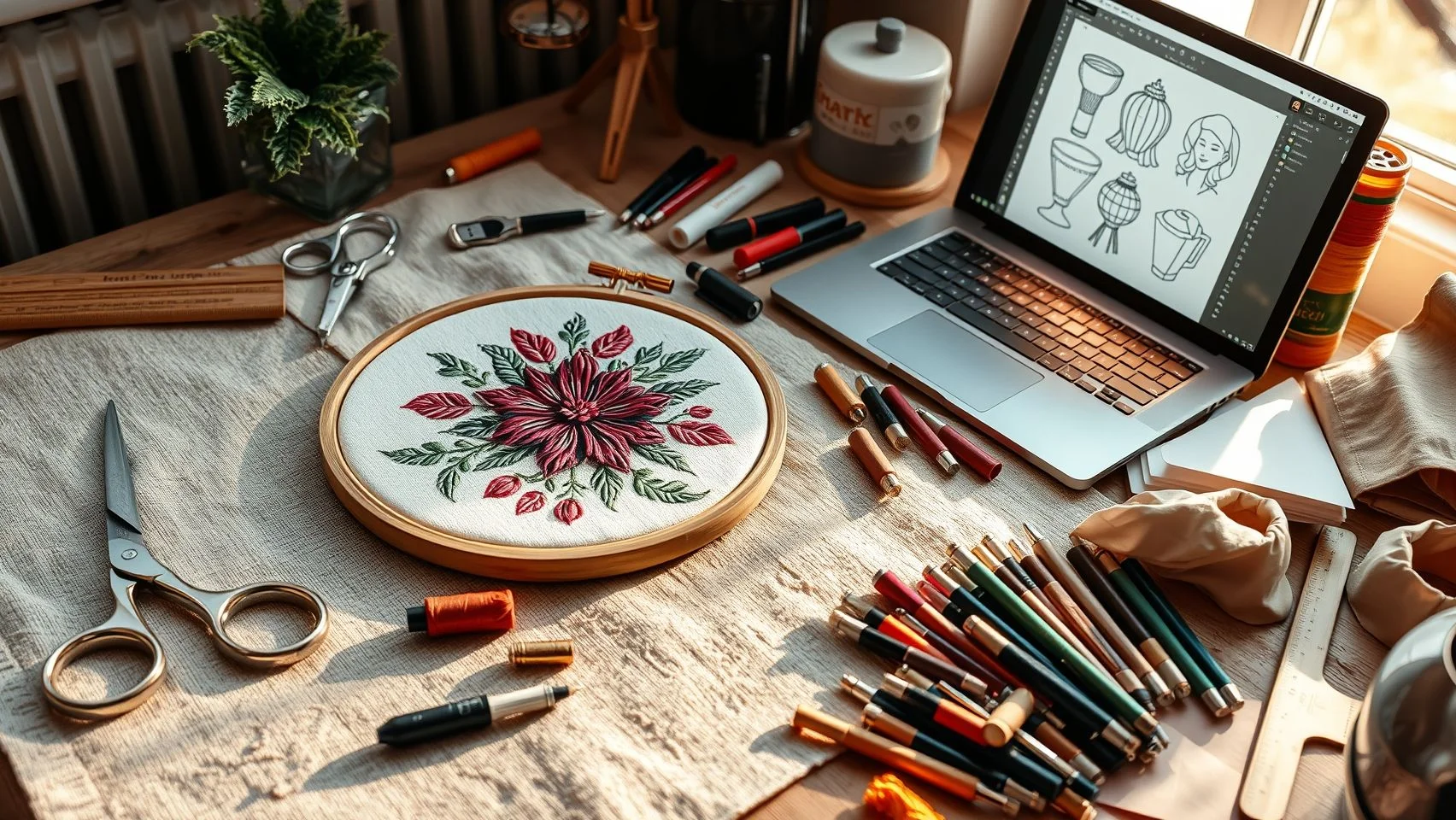
Setting up a repeat-ready embroidery workflow isn’t limited to big studios. With market demand for personalized, custom embroidery soaring, especially among small and home-based businesses, investing wisely in accessible machines and software pays off rapidly. In 2024, the home embroidery market is valued at over $1.2 billion, growing fast thanks to an uptick in online entrepreneurship and side hustles. This means the right setup can take you from creative hobbyist to profitable micro-business with surprisingly little upfront expense.
Accessible, USB-compatible machines like the Brother PE800, Janome Memory Craft 500E, and Bernina Bernette B70 Deco combine large embroidery fields (up to 10.25″ x 6″) with easy repeat pattern capabilities. For digitizing and pattern creation, new software features and affordable online services have brought pro-level results within reach, even on a tight budget. The goal: outsource the complex, DIY the simple, and let smart tech do the heavy lifting.
Entry-Level Embroidery Machines: Proven Picks for Reliable Repeats
The latest releases from Brother, Janome, and Bernina continue to dominate the market with intuitive touchscreen controls, reliable tension systems, and robust support for repeat motifs. According to industry reviews, the Brother PE800 offers 138 built-in designs and is praised for its value and ease of use, while the Janome 500E stands out for its extra-large embroidery area, perfect for all-over repeats. The Bernina Bernette B70 combines customization and speed, appealing to both beginners and advanced users. All three feature straightforward USB transfer so you can bring in outsourced or custom-made repeats without hassle.
Software & Digitizing: DIY, Outsource, or Mix?
Software solutions span every budget and skill level. Canva now offers a free pattern repeat module for simple, clean layouts. For more embroidery-focused editing, Embrilliance Essentials (currently around $139) is known for basic stitch file manipulation and conversion, while Hatch Embroidery 3 (Core at $899) unlocks deeper customization and advanced patterning features. As intricate textured repeats trend in 2024, outsourcing digitizing for $7–$29 per file from trusted providers like DigitizingUSA and True Digitizing is standard, with high reliability and fast turnaround reported by user reviews.
Outsourcing vs. DIY Workflow: Real-World Strategies
Balancing in-house and outsourced digitizing is the norm in 2024. Simple pattern repeats, like geometric borders or minimalist motifs, can be created and stitched using Canva or Embrilliance quickly, making this approach cost-efficient for short runs or testing ideas. For complex logo repeats, dimensional stitches, or textured fills, experienced embroiderers increasingly rely on trusted digitizing services. Outsourcing avoids the steep learning curve of advanced digitizing, lets you scale up quickly, and ensures reliable results, making it easier to focus creative energy on what sets your work apart.
With today’s flexible mix of budget-friendly machines, modern software, and on-demand digitizing experts, there’s no barrier for small shops and solo stitchers to confidently create repeat-perfect, sellable embroidery, no matter your scale or technical experience.
Real-World Commercial Applications: From Upcycled Decor to Custom Shoes
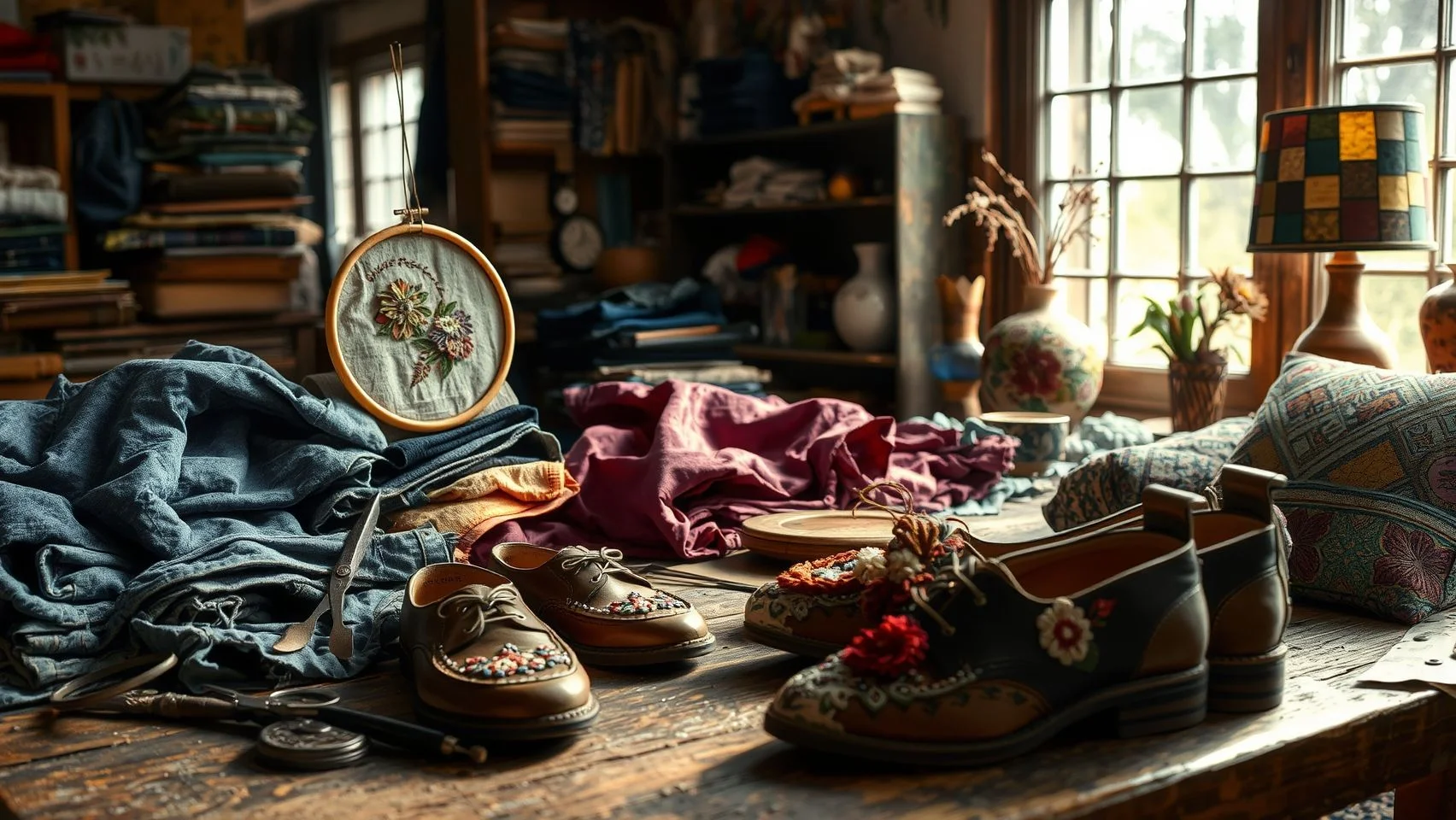
Embroidery artisans are leveraging pattern repeat techniques to carve out lucrative niches in today’s craft market, blending tradition and technology into high-value finished goods. Personalized repeats, like narrative scenes and bold monogram motifs, are driving significant revenue growth, especially in home decor and accessories. In 2024, industry reports highlight a surge in demand for custom-embroidered linens, pillows, and statement accessories, with personalization ranking as a leading trend. Etsy and Pinterest are awash with live examples: trending patterns shift quickly, and sellers who harness repeat motifs inspired by these platforms regularly see stronger engagement and sales.
Makers are also adapting repeat embroidery for eco-forward branding. Upcycled bases, such as deadstock denim or rescued vintage linens, give sustainable products an edge, with repeat motifs visually connecting items across a product line. Pattern adaptation is no longer limited to textiles; commercial embroiderers are executing innovative repeat fills on custom shoes, leather goods, and even ceramics. Contemporary embroidery machines offer improved control for lower-density fills and reinforced stitching, making these techniques viable for non-traditional, high-wear surfaces seen in popular boutique lines.
Narrative & Monogram Repeats: Premium Value in Decor & Accessories
Monogrammed items and narrative repeat storylines continue to be commercial standouts. According to 2024 trend analyses, monogram and custom motif designs command up to 30% higher prices on home linens and accessories. Features such as Hatch Embroidery’s Keyboard Design Collections enable effortless creation of elegant lettering repeats across a variety of substrates. Wholesale buyers and individual consumers alike are seeking out statement repeats, think pets, special dates, or family stories, on contemporary household goods.
Eco-Materials and Upcycled Bases: Sustainable Branding with Repeat Motifs
Sustainability is shaping the embroidery sector’s biggest leaps this year. Repeat pattern techniques applied to upcycled bases not only reduce waste but also create unique, cohesive looks for eco-conscious brands. Many leading Etsy sellers highlight their use of denim offcuts and vintage fabrics, overlaying signature repeat motifs for instant product recognition and elevated pricing potential. This shift is reflected in Pinterest trend boards, with “sustainable embroidery decor” ranking among the most saved ideas for 2024.
Surface Innovation: Embroidery Repeats on Leather, Ceramics, and Custom Shoes
Advances in new-generation embroidery machines support creative surface exploration. Shops specializing in embroidered sneakers, mugs, and leather accessories use lighter-density fills and reinforced backings to maintain durability and style, techniques made possible through recent software updates in commercial embroidery equipment. On platforms like Etsy, listings for repeat-embroidered custom sneakers and serveware have grown by over 20% year-over-year, signaling strong consumer appetite for unique, artful surfaces beyond fabric.
Trending Repeat Motifs: Insights from Etsy and Pinterest
Staying current means keeping an eye on top-performing motifs, which often go viral thanks to visibility on Pinterest and Etsy storefronts. Sellers track and remix motifs, such as oversized botanicals and abstract geometrics, offering new product lines that reflect real-time trends. Embroidery professionals are using these insights alongside advanced digitizing tools, such as AI-driven design software, in order to accelerate the repeat pattern design process and react swiftly to consumer demands.
Embroidery Pattern Repeat FAQ: Your Practical Problems Answered
Embroidery pattern repeats can be the difference between a professional result and a frustrating redo, especially as home decor and upcycled projects skyrocket in popularity. Whether you’re a new stitcher eager to nail seamless tiles or a seasoned maker upgrading to textured repeats, knowing the right tools and approaches keeps things fun, not frazzled. Let’s bust through common snags and questions, weaving in up-to-date advice from the field and recent tool updates.
Recent embroidery industry data shows a surge in pattern-based projects for home textiles, with a 22% increase in upcycling and custom decor over the past year. As easy-access software and specialized digitizing services become more affordable, even beginners can achieve quality, repeatable designs minus the guesswork or waste.
What’s the easiest software for pattern repeats if I’m brand new?
The beginner favorite in 2024 is still Canva’s free repeat module for straightforward, tile-based mockups, but most users step up to Embrilliance Essentials around the $140–$170 mark for more embroidery-focused controls. Hatch Embroidery and Wilcom offer advanced options, but their entry cost is higher (typically $999+ for Wilcom, and about $199 for basic Hatch licenses). Both platforms have improved tutorials and trial versions as of this year. See the comparison below for clarity:
How large should my repeat tile be for home decor projects?
For the bold look trending in home linen, repeat tiles smaller than 1.75 inches often get lost, while anything above 2.25 inches offers both visual impact and easier registration. Leading embroidery educators and commercial textile designers recommend tile sizes between 1.75″–2.5″ for curtains, cushions, and runners. This allows for seamless alignment even with household hoops and avoids tiny pattern fatigue.
What’s the best way to avoid puckering and shifting on upcycled fabric?
Today’s best practice: lower fill densities, increase spacing between repeats, and always use a sticky or self-adhesive tear-away stabilizer. The textile industry is also innovating with plant-fiber stabilizers that offer eco-friendly strength, and recent upcycling tutorials rave about fusing a lightweight stabilizer to the back of delicate fabrics before hooping. Hoop lightly, but securely, and preview placement before stitching to save headaches.
Should I outsource digitizing for 3D textured repeats?
If you’re tackling geometric or dimensional repeats and don’t have top-tier software (like Wilcom E4.5 or Embrilliance StitchArtist), outsourcing makes sense. Professional digitizing services provide access to expert technicians and specialized tools without the investment, and many now offer quick turnarounds for textured and foam effects. For businesses, outsourcing is often more cost- and time-effective than managing in-house, unless 3D work is a regular part of your workflow.
How can I preview a pattern without wasting thread and fabric?
Modern embroidery platforms offer robust virtual hoop previews: Hatch, Embrilliance, and Wilcom all simulate the stitch-out on realistic backgrounds, letting you catch repeats, overlaps, and misalignments digitally. This “dry run” feature has become a must-use step in 2024 with most leading software improving visual fidelity and editing flexibility, so you nail the pattern on screen before touching your best linen or upcycled finds.
Conclusion
Unlocking truly seamless, profitable pattern repeats is no longer about trial and error, it’s about smart workflows, game-changing tools, and the right math in the right places. As we’ve seen, combining intuitive software, proven repeat grids, and hands-on servicing techniques gives everyone, from home crafters to busy boutique studios, an unmistakable edge in embroidery design.
- Take advantage of specialized embroidery software to preview and perfect repeats before a single stitch
- Let pattern-planning calculators handle spacing, scaling, and motif alignment for you
- Rely on workflow upgrades, like visual templates and adjustable hooping, so your repeats stay flawless and your production stays profitable
The only thing left is action. Try out that tool you’ve been curious about, or upgrade one step of your process, don’t wait for the “perfect” moment. Share your progress with a before-and-after shot on your favorite social channel, and tag it, because every shared win keeps this creative community inspired and growing.
Seamless results and a frustration-free repeat workflow are in your hands now. Take today’s insights and make your next project your new benchmark. This is how artistry meets reliability, now, go show what’s possible!